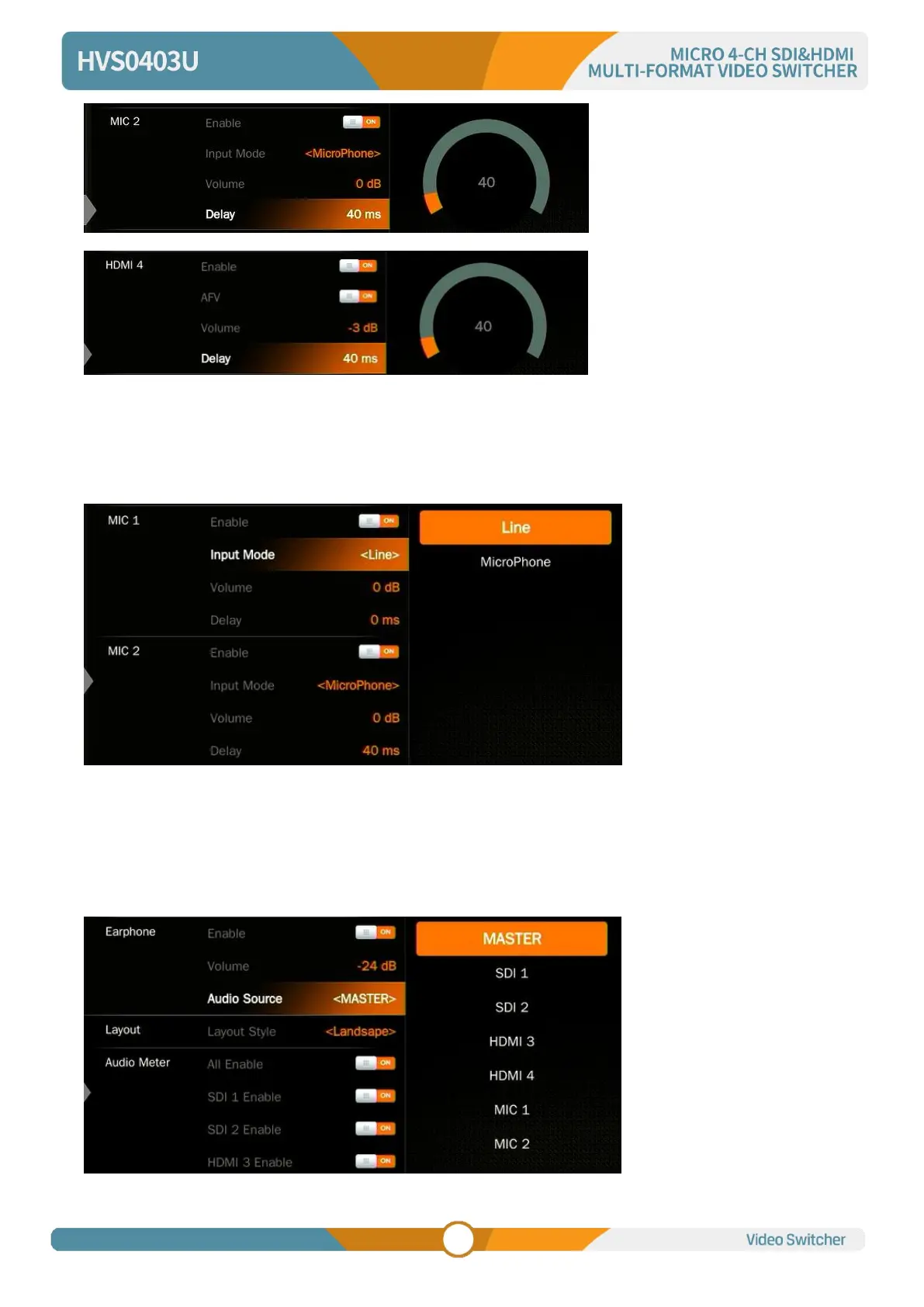
12.5. MIC
The switcher has two MIC inputs that user can connect it with a line-level or a microphone device, and
turn on/off, adjust the audio volume and delay level.
12.6. Earphone
The switcher has an earphone output for monitoring each audio. User can choose one audio source for
Earphone from Master audio, 2SDI & 2HDMI embedded audios, and 2 MIC audios. User can turn on/off
the Earphone or adjust audio volume.



 To Next Page