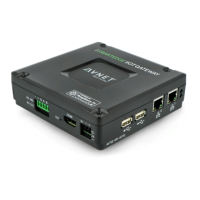
SmartEdge Industrial IoT Gateway
User Guide
http://www.element14.com/gateway Page 11
2.3. EXTERNAL CONNECTIONS
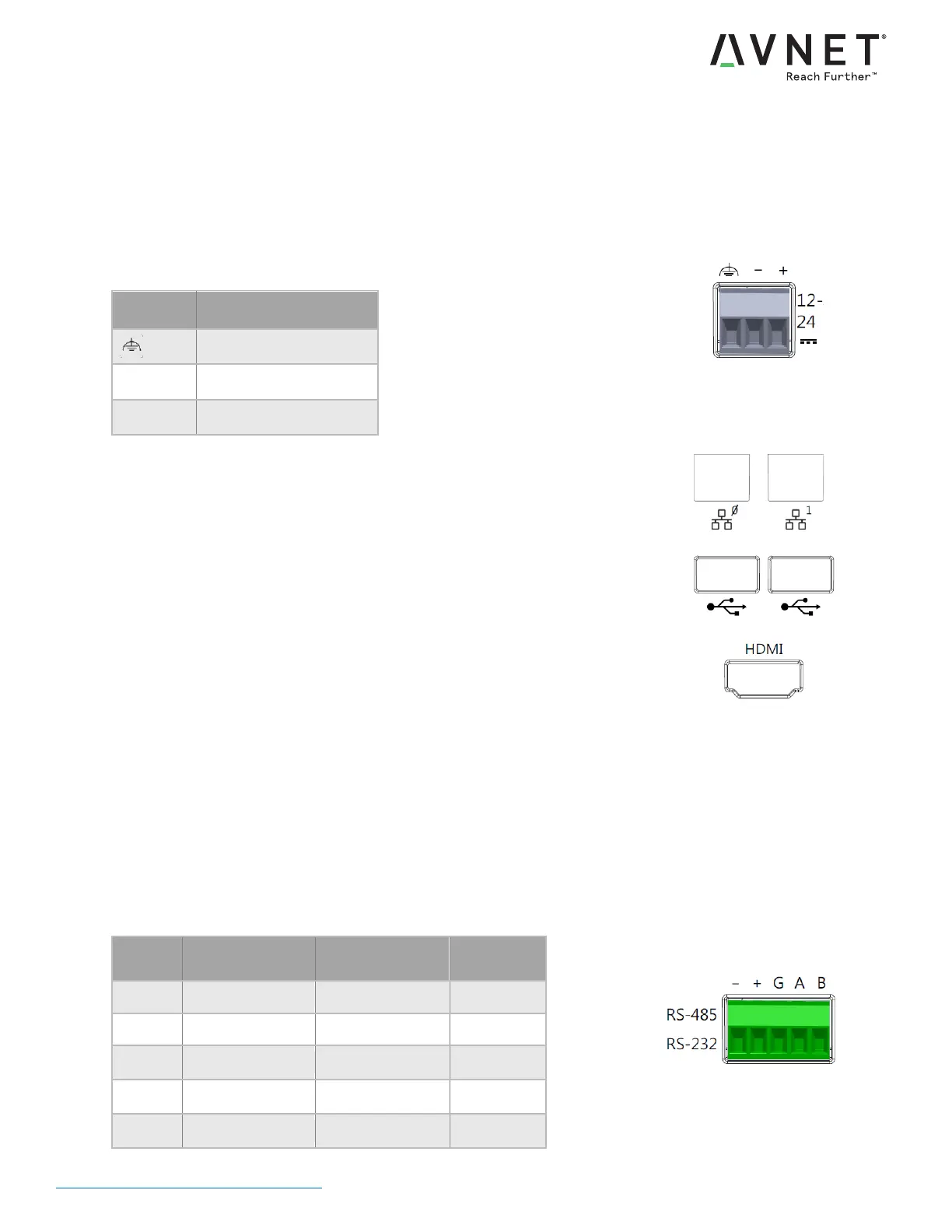
DC-INPUT
12VDC - 24VDC +/- 10%
Recommended Wire: 18-24AWG Solid or 18-22AWG Stranded
Install Protective Earth Wire
DC-IN Terminal Block Connections
DUAL ETHERNET PORTS
10/100 Base-T
Link / Activity LEDs
DUAL USB PORTS
USB 2.0 High-Speed
5V @ 1.2A Output, shared among all USB ports
DISPLAY CONNECTOR
HDMI / DVI Compatible
ISOLATED RS-485 / RS-422 / RS232
SC16IS740 UART (16C550 compatible)
Jumper selection (see section 3.3)
Term: Enable RS485 termination [installed by default, 120ohm termination]
Shdn: Port Shutdown [not installed by default, port enabled]
Slew: Slow Slew Rate [not installed by default, fast slew rate]
Full: Full duplex (4-wire) [not installed by default, RS485 half duplex]
RS232: Use RS232 signaling [not installed by default, RS485 mode]
RS-485/RS-422/RS-232 Terminal Block Connections
4-Wire RS485
(full) RS-422


 To Next Page