SmartEdge Industrial IoT Gateway
User Guide
http://www.element14.com/gateway Page 13
2.4. INTERNAL EXPANSION
USB HEADER
2x4 header with two USB ports for optional internal USB devices
Specially designed HATs can use USB
USB Header (J12)
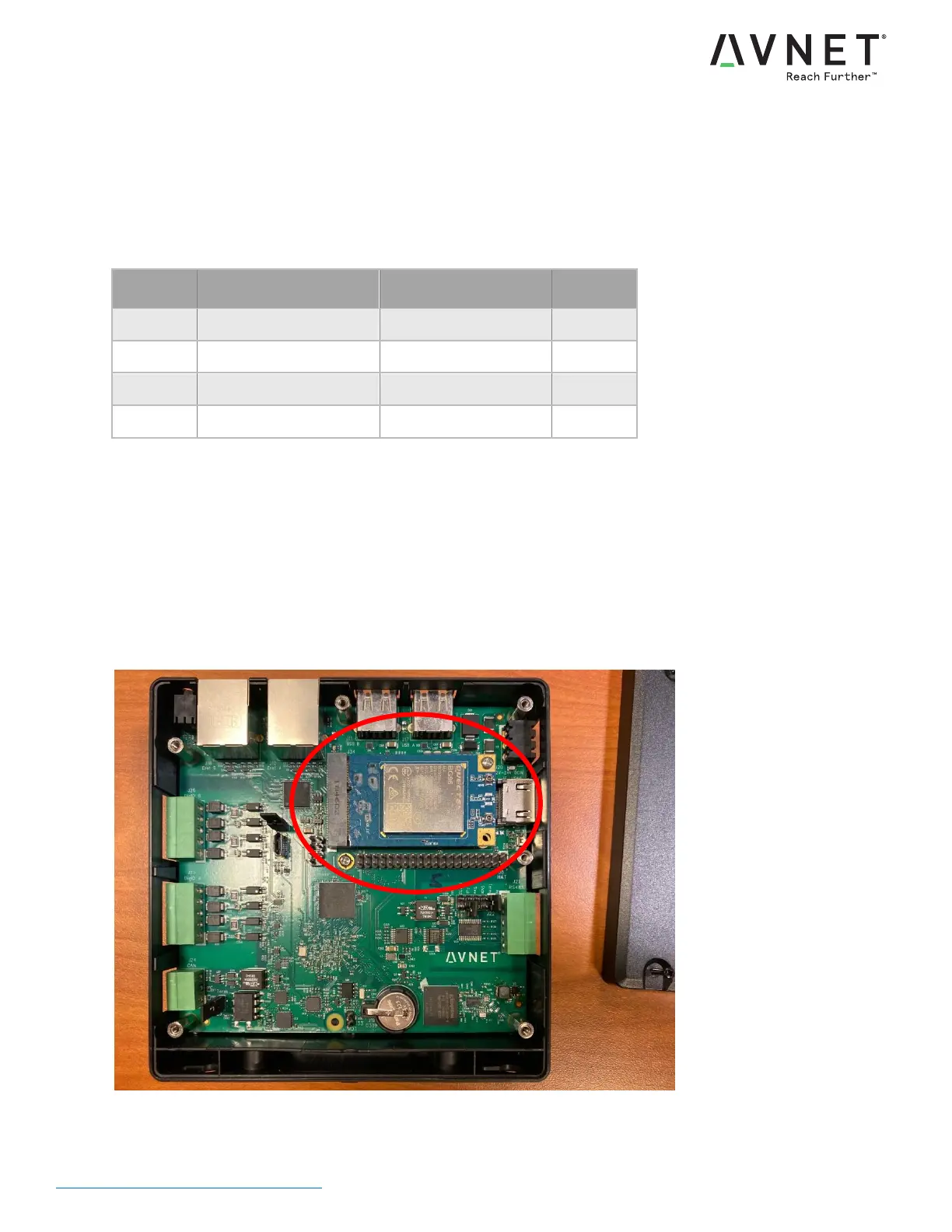
MINI-PCIE SLOT (J34)
Full size mPCIe slot for USB devices only (PCIe bus is not connected)
Supports USB, SIM, and WWAN LED for optional cellular modem
MicroSIM socket for modem is located on the bottom side of the PCBA (remove the four corner standoffs and the
middle screw to lift out the PCBA)
The included enclosure extension ring has two knockouts for SMA bulkhead antenna cables. The knockouts may
need to be removed using a drill/router bit.
Mini-PCIe Slot


 To Next Page