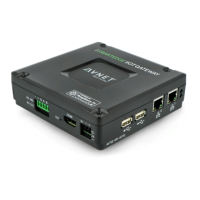
SmartEdge Industrial IoT Gateway
User Guide
http://www.element14.com/gateway Page 21
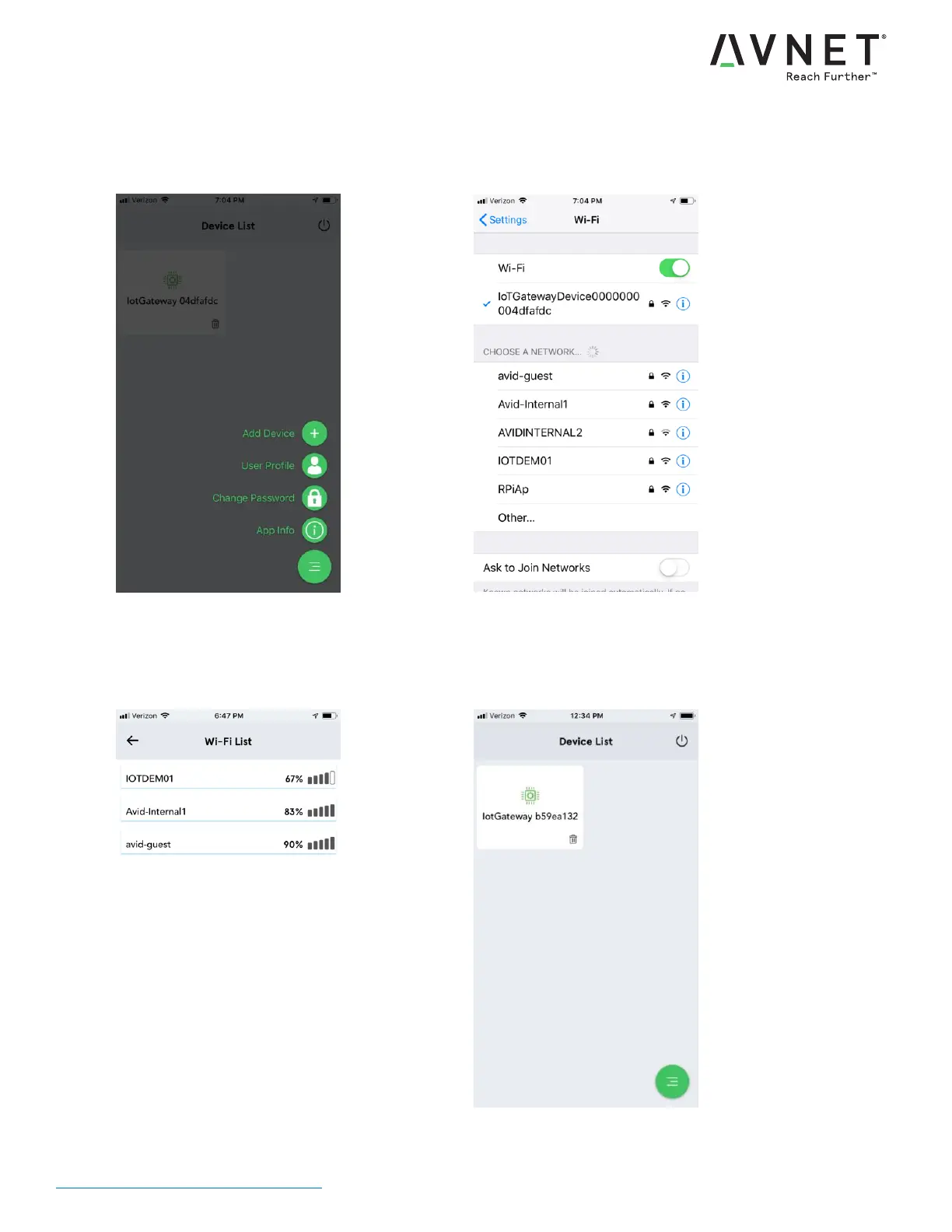
7. To add a device, tap lower right symbol ,
then tap "Add Device" +
8. Connect your mobile's WiFi to the
"IotGateway_xxxxxxxx". WiFi Password is
"IoTConnect" (case sensitive)
9. Optionally, connect your SmartEdge
Gateway to your local WiFi network
10. After a minute, your device should appear in
the Device List


 To Next Page