FREQUENTLY-USED FUNCTIONS
27
5.6.5 Clear All HDD Data
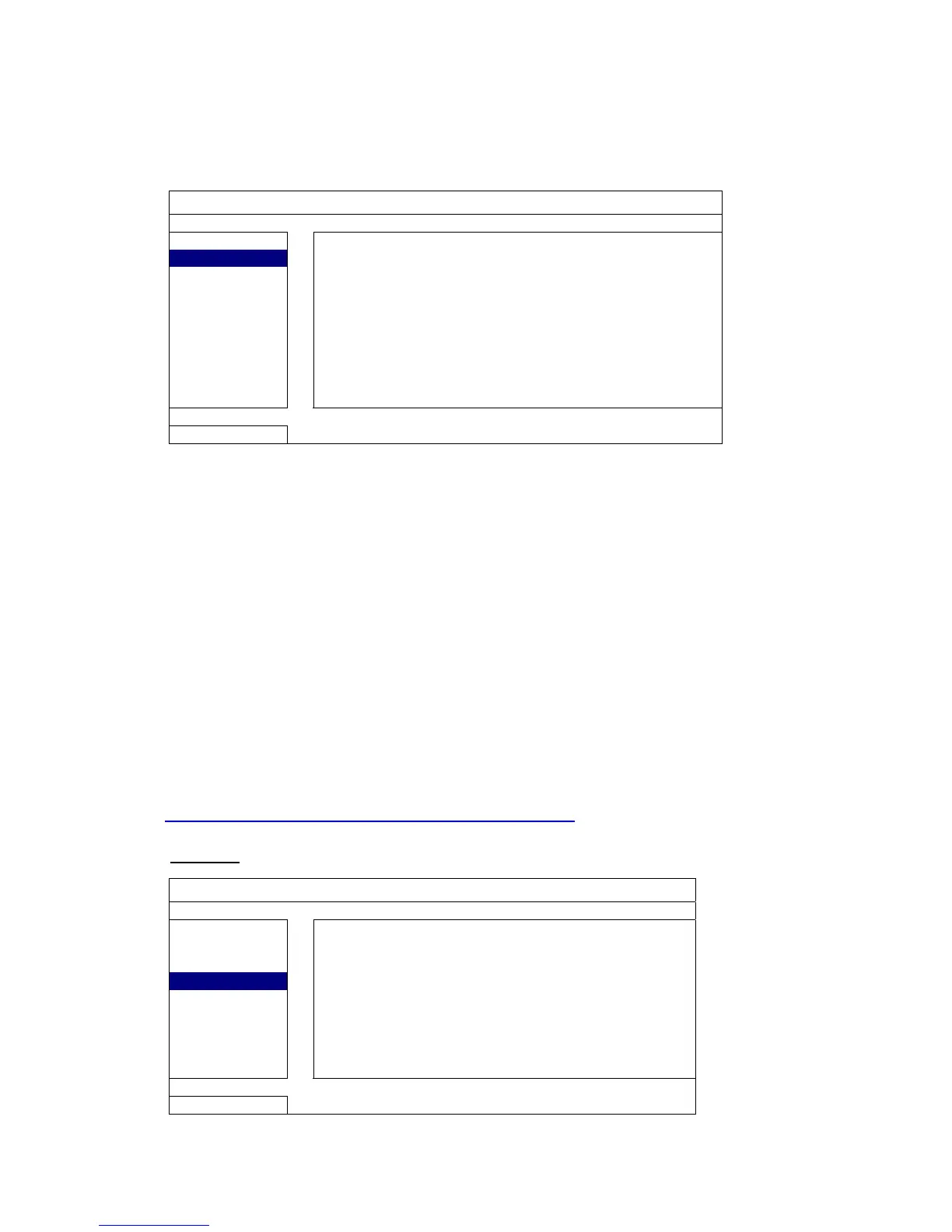
Right-click to show the main menu, and select “SYSTEM” “SYSTEM INFO”
“CLEAR HDD”.
SYSTEM
TOOLS
Select the HDD you want to clear, and click “YES” to confirm or “NO” to cancel.
It’s recommended to clear all data in the hard disk when:
It’s the first time to use this DVR to ensure the recorded data are not mixed with other data
previously saved in the same hard disk.
DVR date and time are changed accidentally when the recording function is activated.
Otherwise, the recorded data will be disordered and you will not be able to find the
recorded file to backup by time search.
5.7 Network
The description below is only for STATIC network type. For PPPOE and DHCP settings,
you need to set from “Video Viewer”.
For details, please download the extended user manual for “Video Viewer” from
http://www.surveillance-download.com/user/CMS.pdf
.
STATIC
ADVANCED CONFIG
CANERA


 To Next Page