Enjoy Live TV
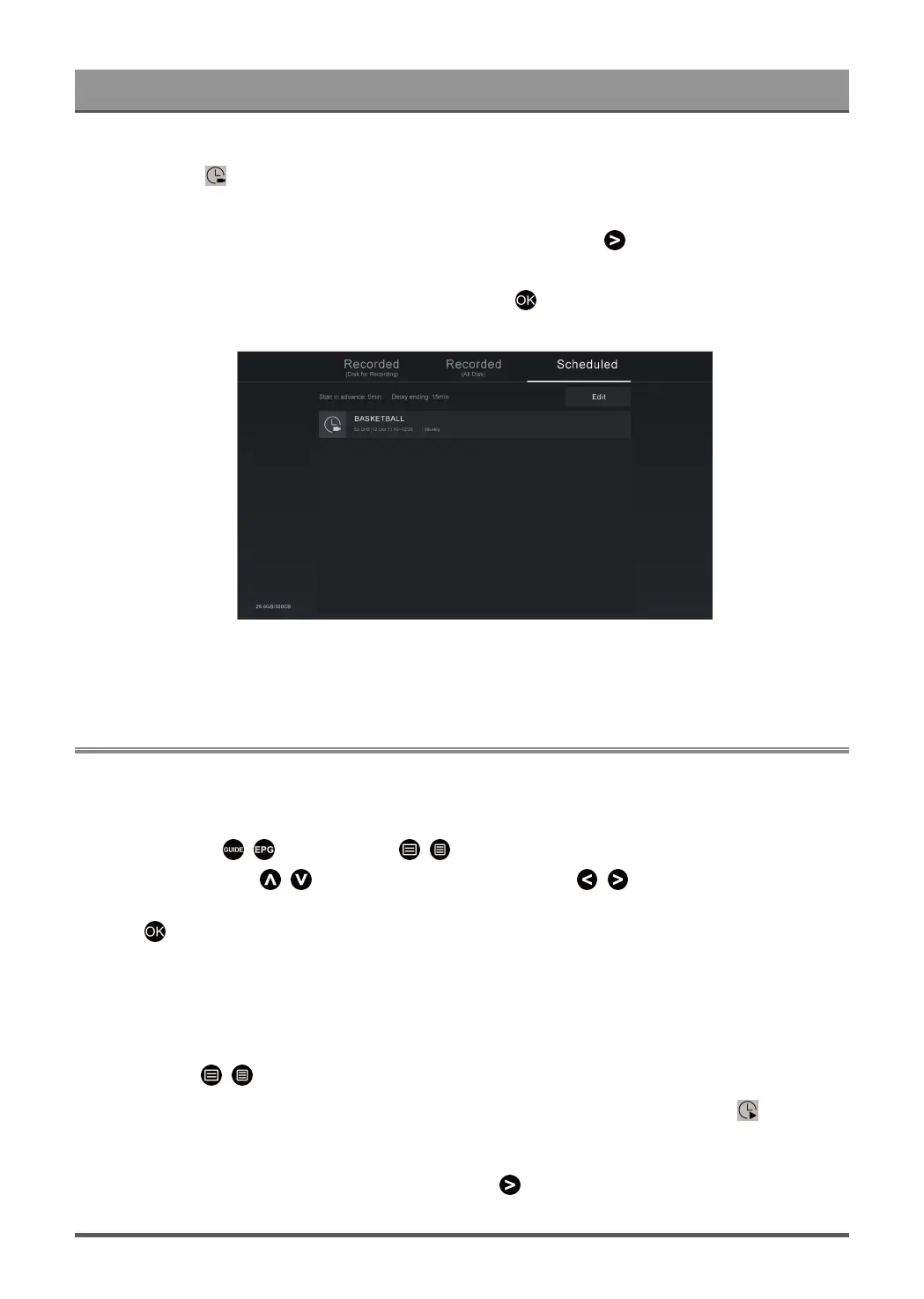
You can adjust the schedule recording information or cancel scheduled recordings. Schedule recording items
are identified with icons.
•
Delete scheduled recording
Select Edit, select a scheduled recording in the schedule list and press button to delete it.
•
Edit scheduled recording
Select scheduled recording in the schedule list, then press button to edit.
Note:
• The Recording List function may not be applicable in some models/countries/regions.
Reminder
Setup this feature to allow reminders to be displayed of future programmes.
Set up a Reminder
1.
In Live TV, press / button, or press / > Guide (EPG) to display programme guide.
2.
In Guide (EPG), press / button to select the channels. Press / button to select a programme
that has not been aired.
3.
Press button to select Reminder.
Note:
• Reminder is only available for programmes that have not been aired yet.
Manage the Reminder List
In Live TV, press / button on your remote control and select Recording List > Scheduled.
You can change reminder information or cancel reminders. Reminder items are identified with icons.
Delete reminder
Select Edit, select a reminder in the schedule list and press button to delete it.
23



 To Next Page