Connecting to External Devices
•
5.1 CH (channel) audio is available when the TV is connected to an external device that supports 5.1
channel surround sound. You can press / button and select Settings icon on the Home screen,
and select Sound > Speakers > Digital Audio Output to choose Dolby Audio - Dolby Digital Plus to
receive the 5.1 channel audio.
Related information
Select Speakers on page 52
Connecting a PC
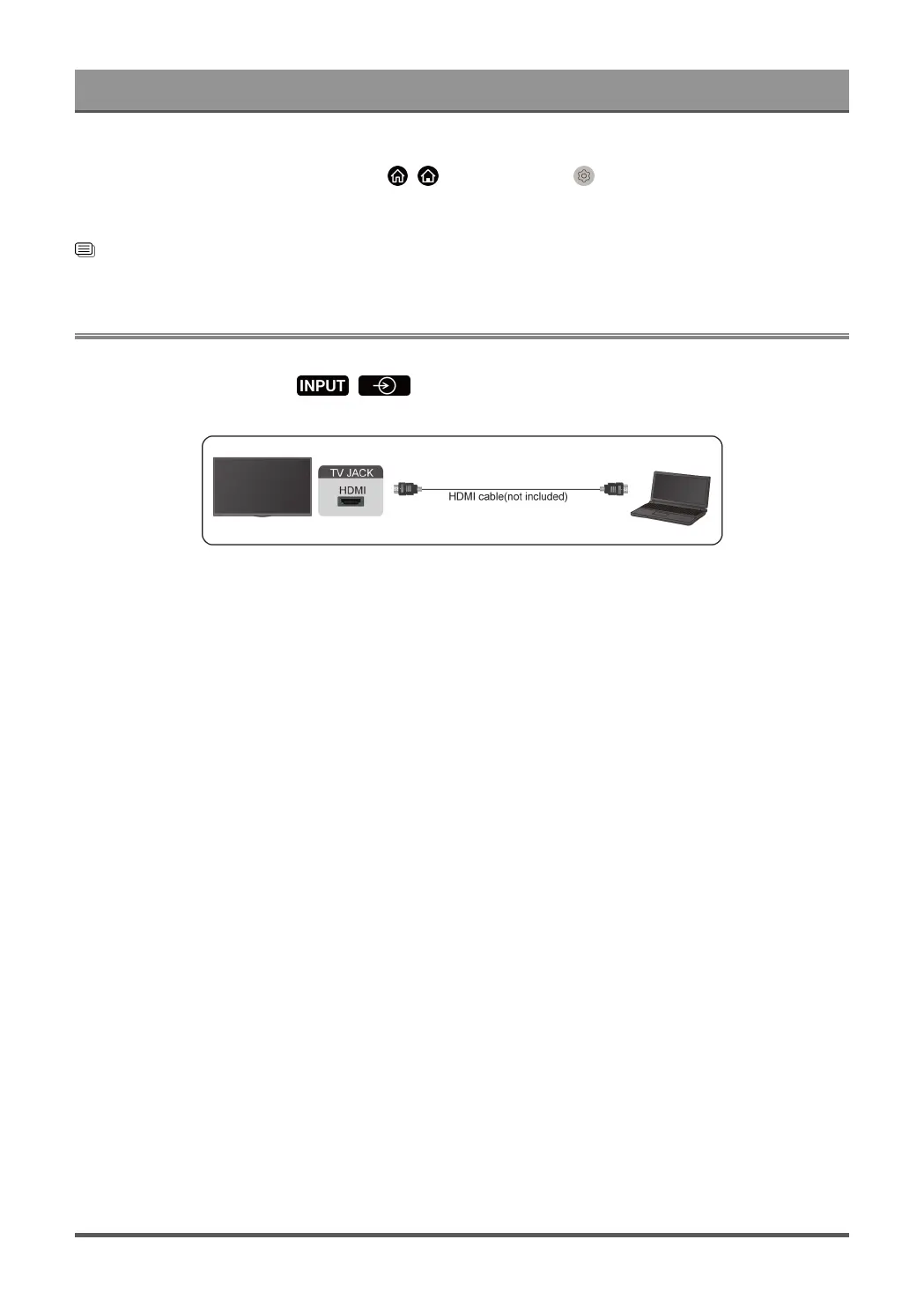
You can connect a PC to the TV with a HDMI cable to use your TV as a PC monitor.
After connecting the PC, press / button and select the connected PC as the input source.
Note:
• For better image quality, set the PC's resolution to a format which is supported by the TV.
• If there is no sound from your TV, change the PC's audio settings.
• If you want to connect your PC and TV wirelessly, please refer to Benefits of Smart TV > Content Sharing
or Connecting to External Devices > Sharing your Smart Phone/Computer Screen on the TV in this
manual.
45



 To Next Page