Connecting to External Devices
2.
Locate the AirPlay icon on supported media apps, or the Screen Mirroring icon in Control Center on your
Apple device. Depending on the content, these steps may vary:
•
To mirror your deviceʼs screen, open Control Center and tap Screen Mirroring .
•
To stream audio from supported music or podcast apps, tap AirPlay audio .
•
To stream video from supported apps, tap AirPlay video .
3. Select your TV from the list to begin using AirPlay.
Note:
• An AirPlay-enabled TV.
• The TV and Apple devices are connected to the same network.
• The icon is only for reference. In some apps, you may have to tap another icon first.
• If an AirPlay passcode appears on your TV screen, enter the passcode on your Apple device to continue.
Using HomeKit
Use HomeKit to easily and securely control your TV using your Apple devices.
1. To set up HomeKit, open AirPlay and HomeKit settings on the TV. Locate the HomeKit section and select
'Set Up'.
2. The HomeKit setup screen will display a pairing QR code on the TV. Use your iPhone or iPad to scan the
QR code, then follow the on-screen directions to complete HomeKit setup.
Note:
• Available operations vary depending on the version of the app and software.
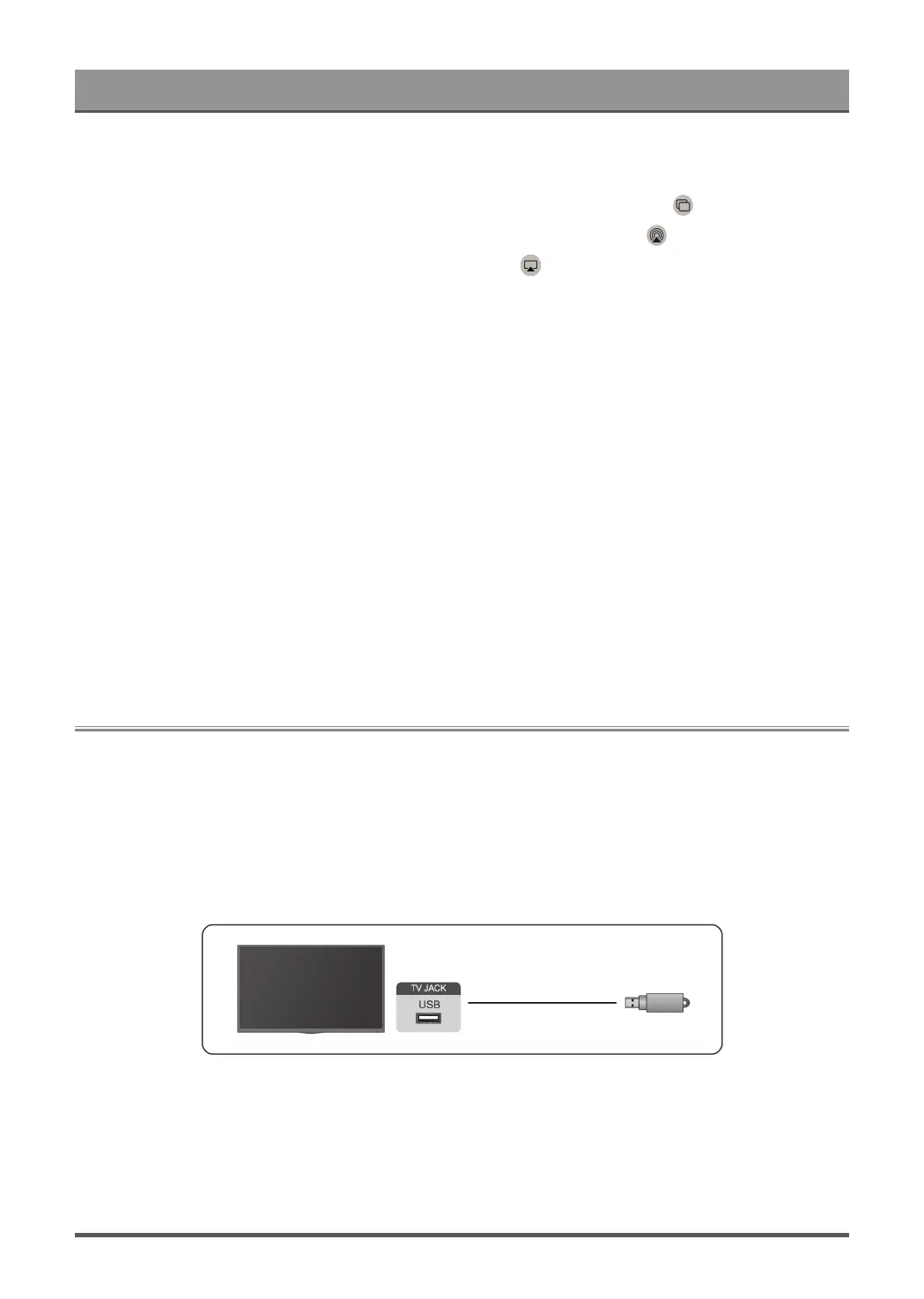
Connecting USB Devices
Connect USB devices, such as hard drives and USB memory sticks for browsing photos or listening to music.
Read before connecting USB devices
USB disk sizes 4GB, 8GB, 16GB, 32GB, 64GB, 128GB and other common market sizes are supported. Up to
8TB hard drives are supported.
Supported formats: NTFS, FAT32.
Select the content you want to play or view. For more information, please refer to Entertainment > Media in
this manual.
Use the USB storage device function
The USB storage device function can be used to record and view digital broadcast programmes.
41



 To Next Page