10
1.8 Add Station to ‘My Favourites’
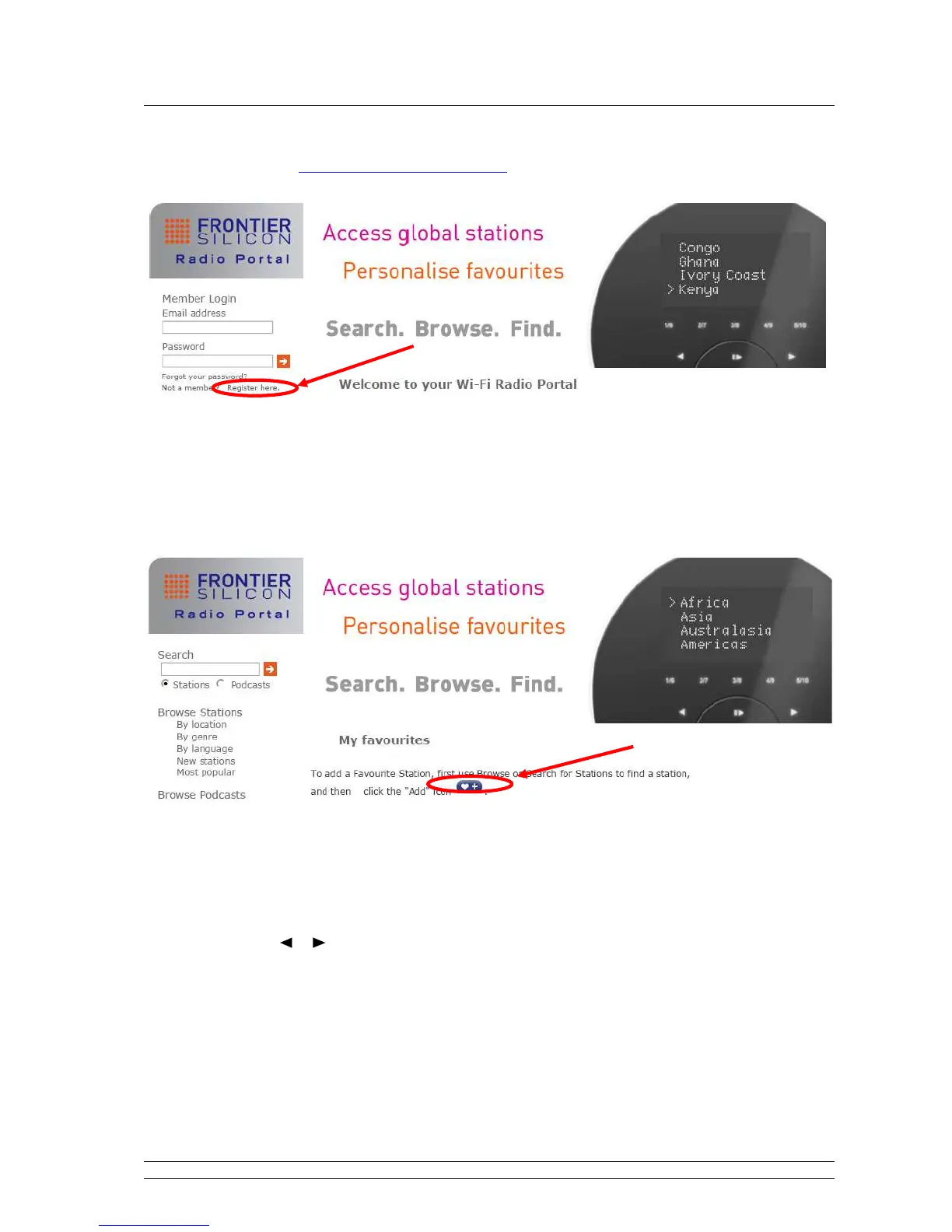
1. Visit website: http://www.wifiradio-frontier.com
2. Click on the register link.
3. Create account login, you need an Access code to complete it, for how to get this code,
please refer previous page.
Note: want to member login? Therefore save your registered ‘Email address’ and ‘Password’.
4. You will able to take advatage of the various additional features and services offered by the
Frontier internet Radio Portal.
5. After above setting is well done, in order to have your radio access your new settings, get your
radio power off for several minutes is necessary.
6. How to play ‘My favourites’? Your need two steps:
a. Press MENU < Station list > < My favourites >, press SELECT/SNOOZE to confirm.
b. Press or to your favorite option, and then press SELECT/SNOOZE to loading…
Note: You added ‘my favourites’ stations will shows up at ‘my favourites’ subdirectory. Doing a ‘factory
reset’ cannot erase them.



 To Next Page