15
Chapter 3 DAB Mode
3.1 Shift to DAB mode
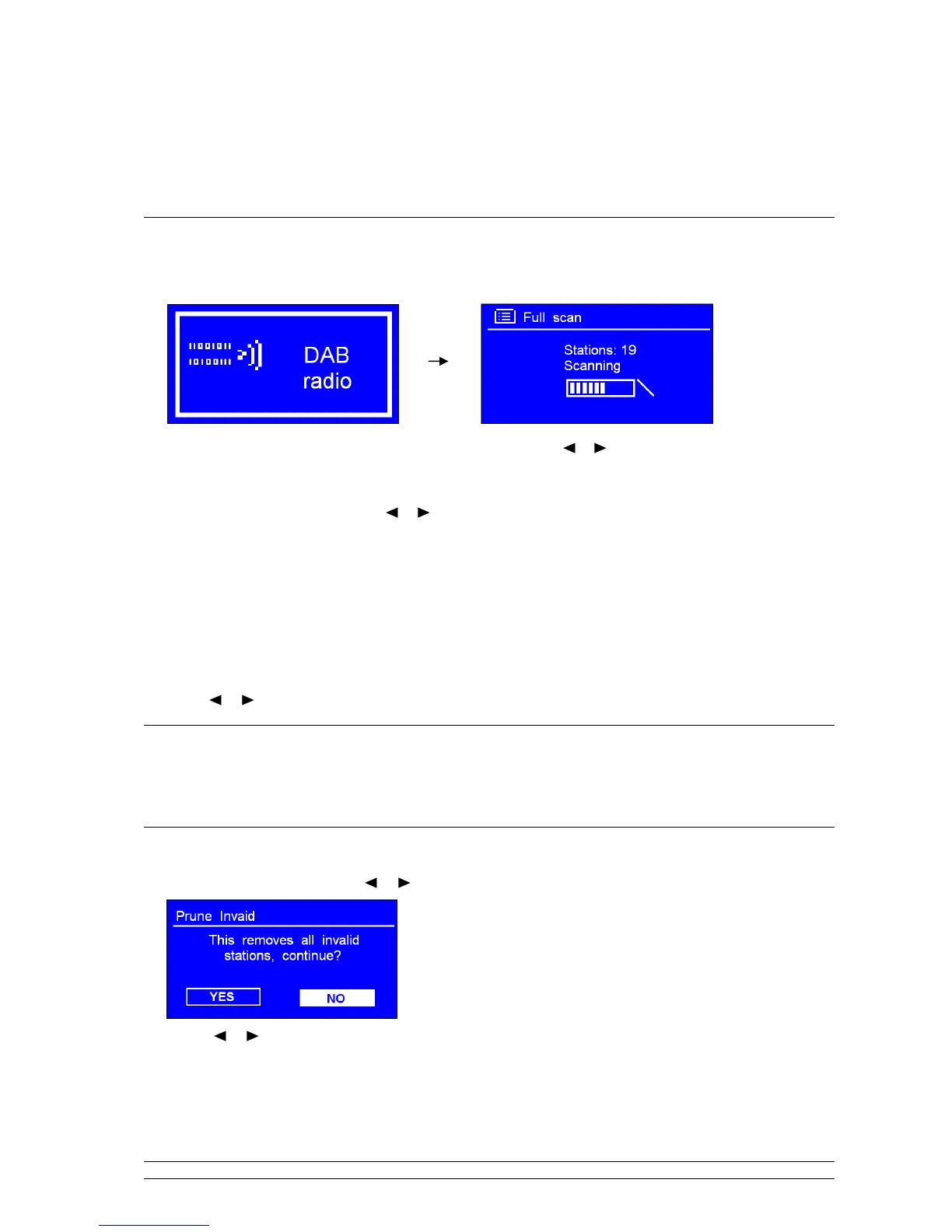
1. Press MODE repeatedly until < DAB radio > is shows up. For initial use, it will carry up a full scan
and store stations list in memory.
Note: a. or press MENU to enter < Main menu >, and then press or to < DAB >, press
SELECT/SNOOZE to confirm.
b. in use, you can redo a full scan to update stations list through:
Press MENU, and then
press
or
to ‘Scan’, press
SELECT/SNOOZE
to confirm.
2. Once the scanning is completed, the DAB/DAB+ stations will be displayed in alphanumeric order. The
first station in the list would be selected.
Note: if no DAB/DAB+ signal is found in your area, it may be necessary for you to relocate your radio.
3.2 Shift to Another DAB/DAB+ Station
Note: if a wrong operation is being conducted, you can move back at any time by pressing BACK.
1. Press MENU, and then press SELECT/SNOOZE to enter < Station list >.
2. Press or to cycle through stations list, and then press SELECT/SNOOZE to confirm.
3.3 Dynamic Label Segment (DLS)
This is scrolling text information supplied by the DAB/DAB+ station. It may comprise
information on music title or detail of the program and is provided by the broadcaster.
3.4 Prune Invalid
1. Press MENU, and then press or to < Prune invalid >, press SELECT/SNOOZE to confirm.
2. Press
or to ‘YES’, and press SELECT/SNOOZE to confirm.



 To Next Page