16
3.5 DRC (Dynamic Range Control)
You can set the level of the compression of stations to eliminate the differences in dynamic range or
sound level between radio stations.
Note: a. Set DRC to off indicates no compression.
b. set DRC to low indicates little compression.
c. set DRC to high shows maximum compression.
1. Press MENU, and then press or to < DRC >, press SELECT/SNOOZE to confirm.
2. Press
or to your preferred option, press SELECT/SNOOZE to confirm.
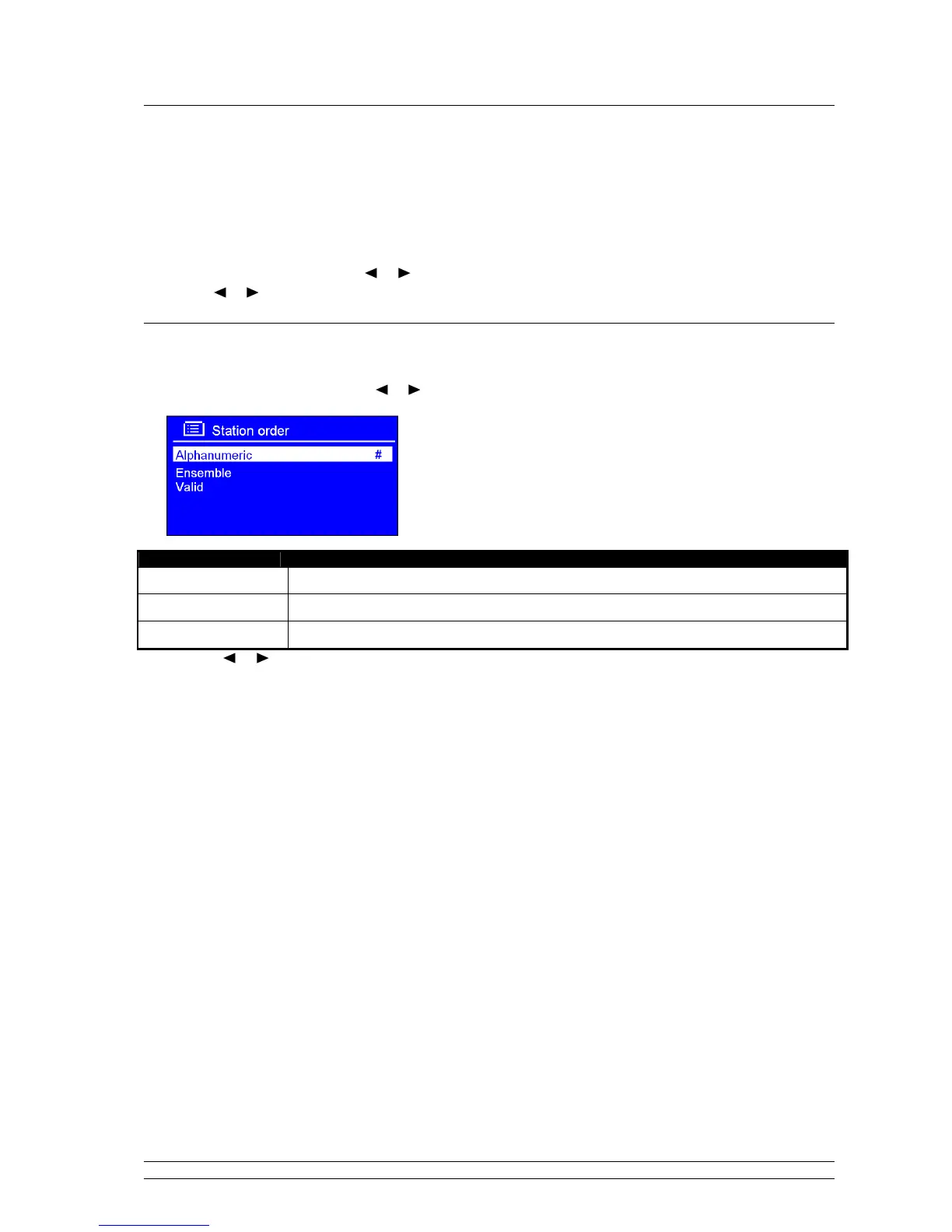
3.6 To Change Station Order
1. Press MENU, and then press or to < Station order >, press SELECT/SNOOZE to confirm.
Note: There are 3 options: Alphanumeric, Ensemble and
Valid. #shows before the default of your setting option to
indicate current station order.
STATION ORDER DESCRIPTION
Alphanumeric Display all stations in alphanumeric order.
Ensemble List active stations [ones that are currently broadcasting] before inactive ones.
Valid Remove inactive stations from the station list.
2. Press or to your ideal option, press SELECT/SNOOZE to confirm.



 To Next Page