20
• Preset: this option depends on which alarm mode you have setting, this option won’t be available
unless you choice Internet radio, DAB, FM as alarm sound mode
• Volume: Press or to your like volume level, press SELECT/SNOOZE to confirm
Note: remember don’t set your radio volume level to zero (Mute), otherwise, when alarm is
coming, the alarm sound cannot be heard.
• Save: finally, press or to this option, and press SELECT/SNOOZE to confirm to make sure
alarm saved
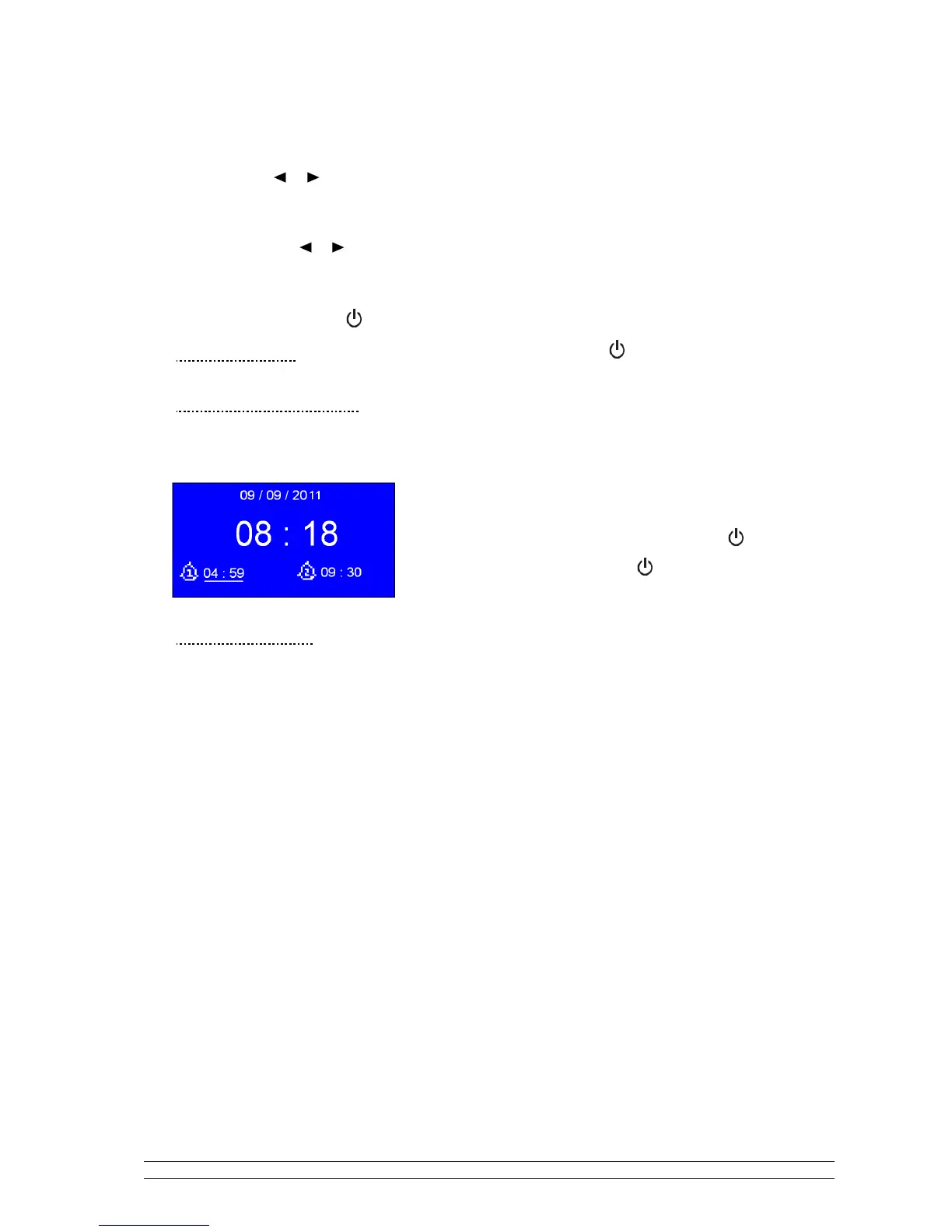
The screen shows active alarms with an icon at the bottom left.
To check alarms status, press to enter standby mode.
•
Turn Alarm off
----------- When alarm is coming, you can press
t
o turn it off.
•
Play Snooze Function
----------- Press SELECT/SNOOZE to postpone it, repeatedly press
SELECT/SNOOZE, the SNOOZE can be 5/10/15/30 minutes in
turn.
Note: a. While in SNOOZE function, the relative alarm should
be blinkling, and shows how long it will be elapsed,
during this time, you also can press to stop
snooze, and . press again to have your radio play.
b. After reached SNOOZE time, it should be sound again.
•
To cancel Alarm
Refer above steps 1-3 set ‘Alarm Enable status’ to ‘Off’, and then follow your radio’s instructions, until it
shows ‘Alarm saved’.



 To Next Page