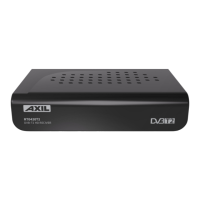
Remote Control
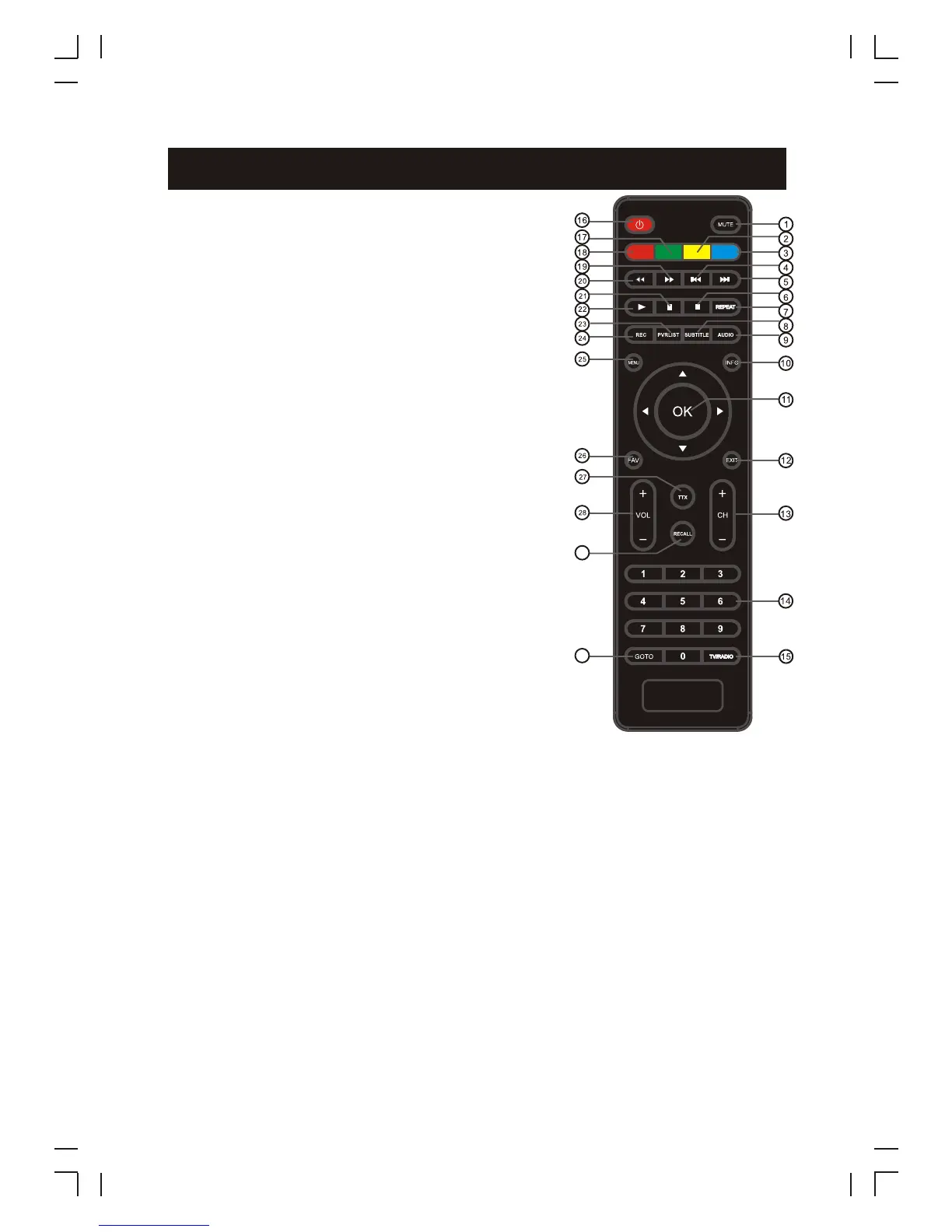
1. MUTE: Mute or Restore Audio Output.
4. PREV: Skips to the previous track during playing
media.
5. NEXT: Skips to the next track during playing
6. STOP: Stops media play.
8.
10. INFO: Displays additional channel information.
11. OK: Confirms an entry or selection. Displays the
list of channels.
12. EXIT: Exits the current Menu or returns to the
previous Menu.
+/-:
2. Yellow button: In DTV mode, press to change to
different Aspect Ratios.
3. Blue button: In Teletext mode, it is the teletext
colour button.
7. REPEAT: Selects Repeat or turn off Repeat
mode.
9. AUDIO: Selects an Audio Language or Audio
Mode.
13. CHANNE : Navigates through the Menus.
Selects the next or previous Channel.
14. 0-9 (Numeric Buttons): Selects a channel or
setting.
media.
SUBTITLE: Selects Subtitles Language.
15. TV/RADIO: Switches from TV function to Radio
function and from Radio to TV.
3
16. STANDBY:
23. PVR
24. REC:
27.
28.
29.
30.
Switch the product to on or standby.
17. Green button: In DTV mode, press to toggle through different Resolution options.
18. Red button: In picture viewing mode, press to zoom in picture.
19. FWD: Searches forwards during media play.
20. REV: Searches backwards during media play.
21. PAUSE: Pauses media play.
22. PLAY: Starts or resumes media play.
25. MENU: Turns on Main Menu.
26. FAVOURITE: Turns on Favourite Menu.
LIST: Used to show the record program list on the current disk .
(
Used to record the program.
Used to switch between the last two viewed channels
Also used with the USB play/record functions.)
TTX: Displays Teletext Information.
VOLUME +/-: Navigates through the Menus. Increases or decreases volume.
RECALL: .
GOTO: Selects the play time of media.
29
30



 To Next Page