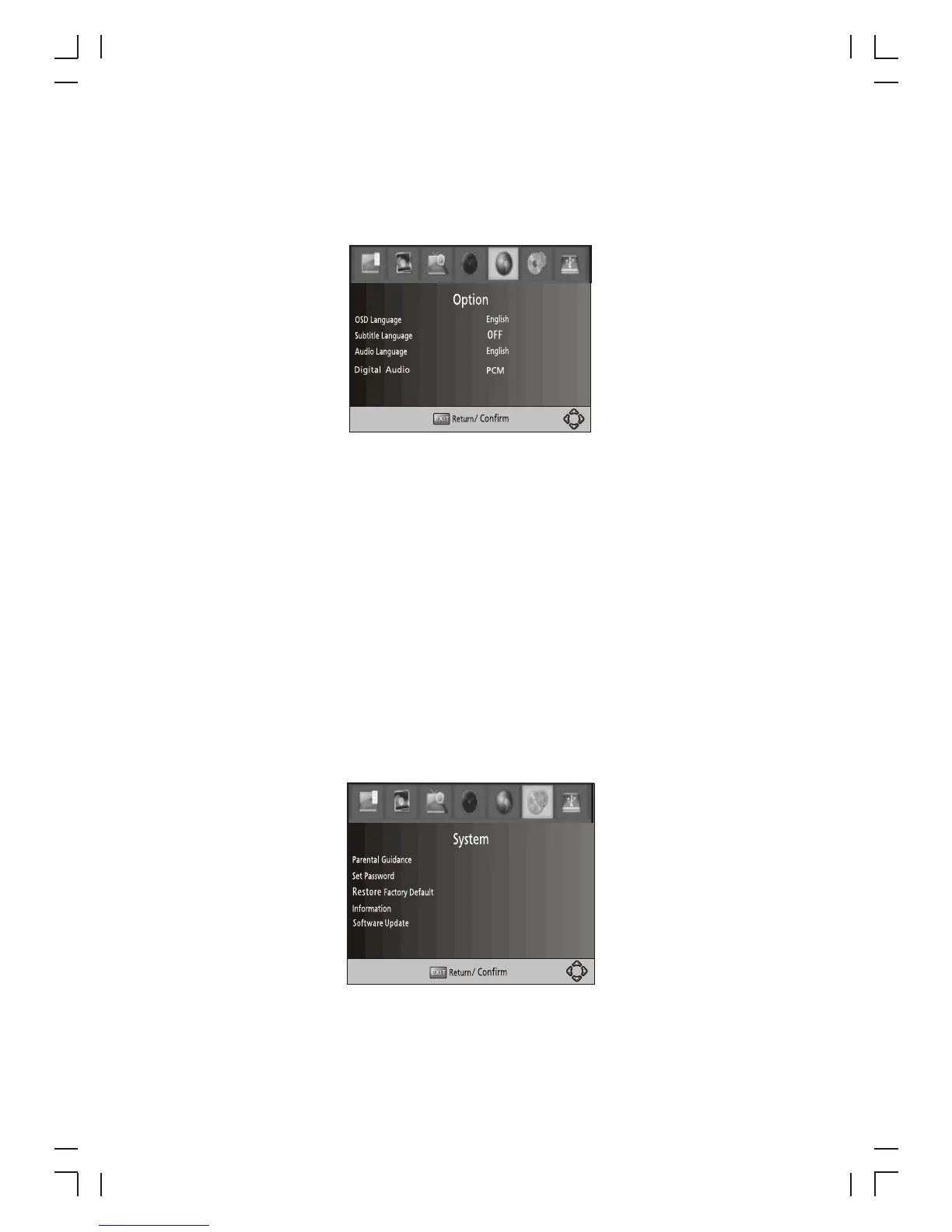
(9) Option
To access the Menu, press MENU and select [Option]. The menu provides options to
adjust the OSD Language, Subtitle Language and Audio Language.
Select an option and press RIGHT/LEFT to adjust the setting. Press EXIT to exit the
Menu.
11
(1). OSD Language
.
(2). Subtitle Language
(3). Audio Language
To access the enu, press MENU select [System].The menu provides options
to adjust the system settings.
elect an option and press RIGHT/LEFT to adjust the
setting.
Press EXIT to exit the enu .
Select an OSD language
Select the preferred subtitle language.
Select the preferred audio language for watching TV channels.
If the language is not available, the default program language will be used.
(10) System Setting
M and
Press the UP/DOWN key to s
M
(4) Digital Audio
Select digital audio output mode.
(1) Parental Guidance
You can restrict access to channels that are unsuitable
for children. To restrict/lock the channel you will need to enter either the default
password '000000' or your own password.



 To Next Page