Operation instructions | EOC 1-32 | EOC 2-32 | Ethernet over Coax | Peer to Peer
26 2020-10-09 | Technical improvements, changes in design, printing- and other errors expected.
5.10. Firmware Upgrade
Firmware version
The current version of the firmware can be found in the Information window (see 5.2 on page 18).
Download of the file
You can find firmware updates for download by entering the article in the search field on www.axing.com.
On the product page you will find the current firmware in the Downloads tab.
Download the file to your computer and unpack it.
Upgrade of the Firmware
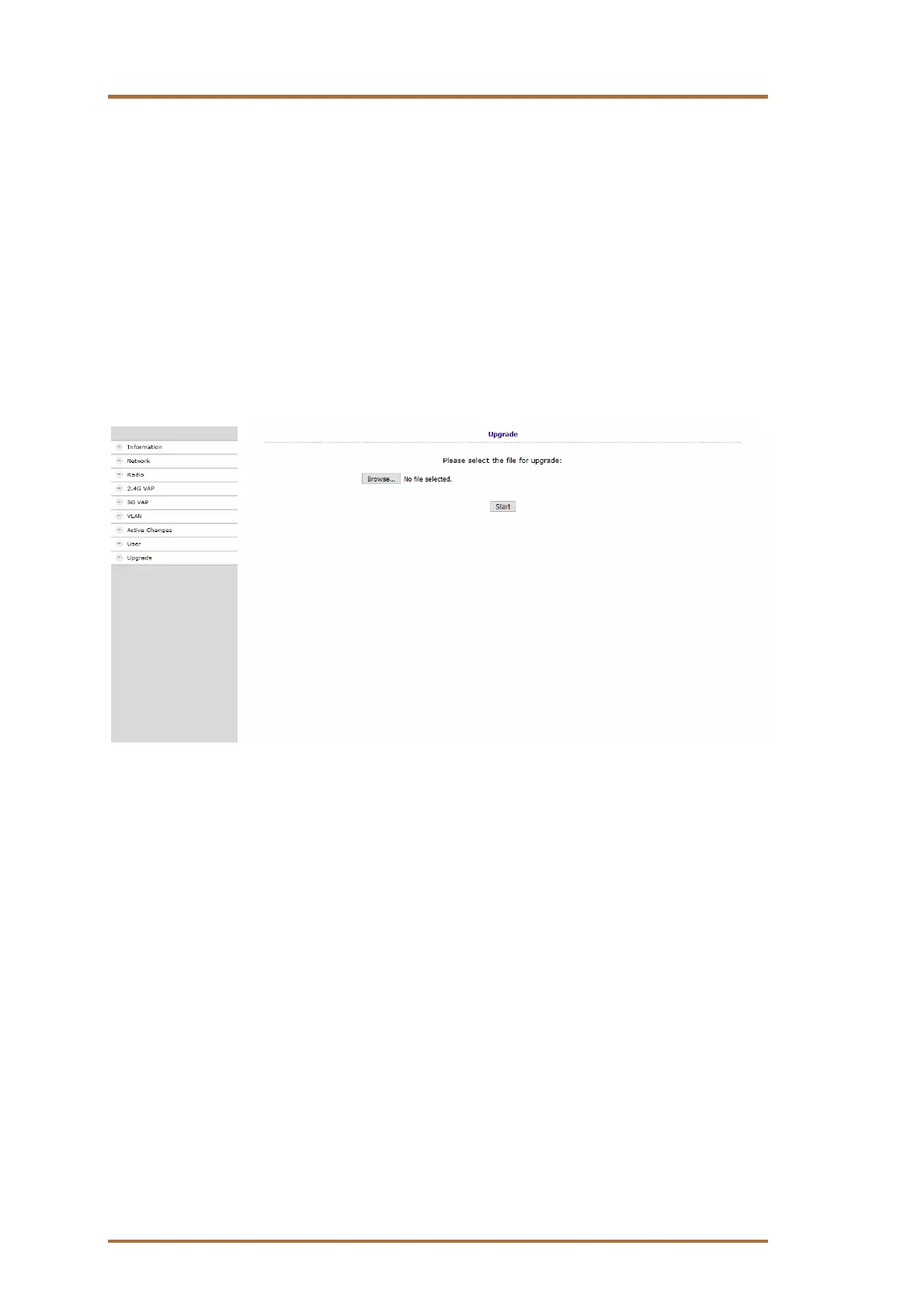
Click on Upgrade in the navigation on the right.
Click Browse ... and select the upgrade file.
Click Start.
The firmware/the driver file is loaded into the EOC and the device is restarted.
The new firmware will be activated immediately after restarting the EOC.


 To Next Page