AXIS 225FD Installation Guide Page 3
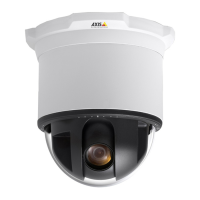
AXIS 225FD
Fixed Dome Network Camera
Installation Guide
This installation guide provides instructions for installing the AXIS 225FD
Fixed Dome Network Camera on your network. For all other aspects of using
the product, please see the AXIS 225FD User’s Manual, available from
www.axis.com or on the Axis Installation CD.
Installation steps
1. Check the package contents against the list below.
2. Install the hardware - page 4.
3. Connect the cables - page 4.
4. Set the IP address - page 7.
5. Set the password - page 12.
6. Adjust the image - page 14.
Package contents
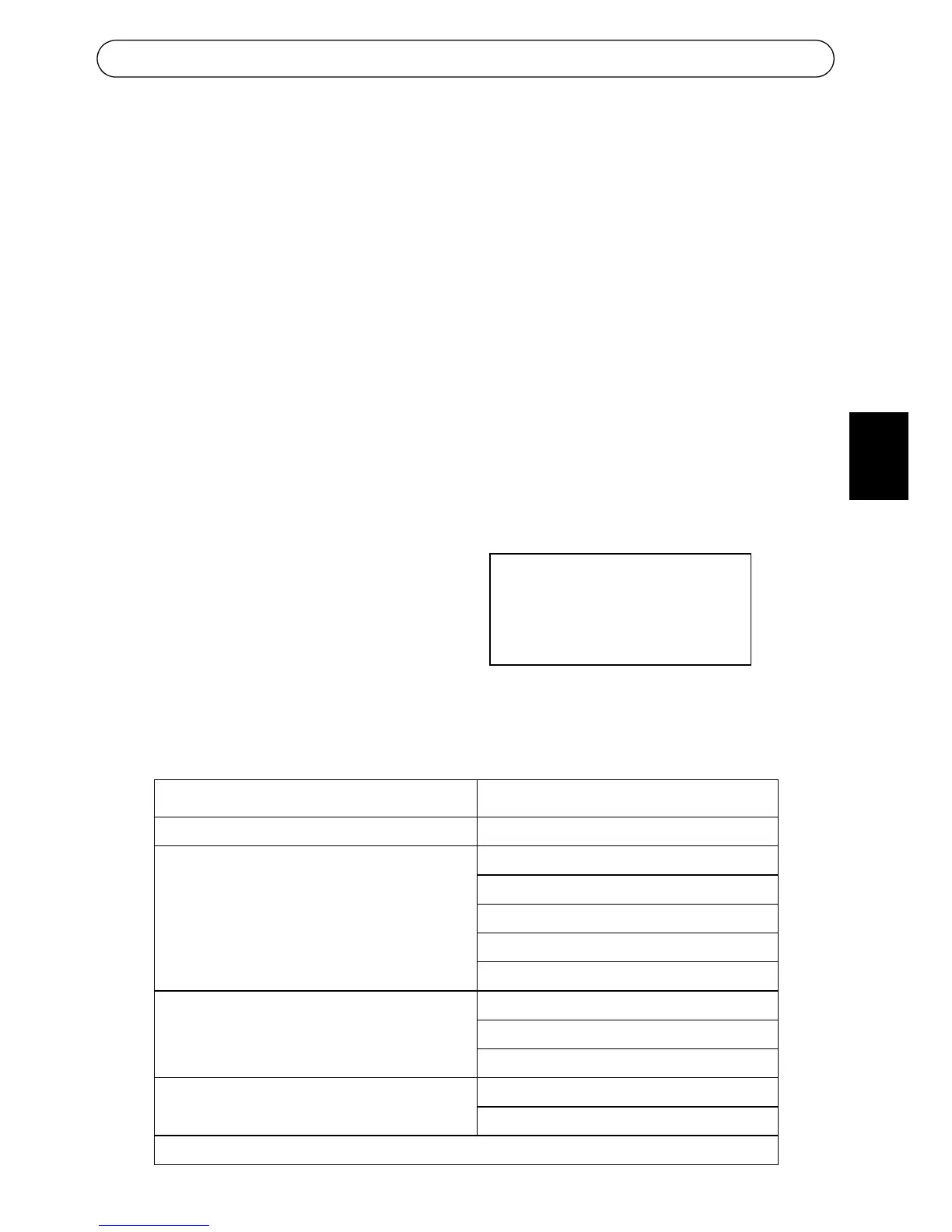
Item Title/Variants
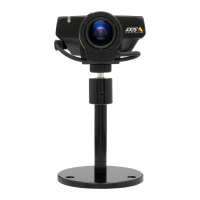
Fixed Dome Network Camera AXIS 225FD
Indoor Power Adapter
Note: The power adapter is country spe-
cific, please check that the type of power
adapter you are using is correct
Europe
UK
Australia
USA/Japan
Korea
Mounting kit Allen key for tamper-proof screws
3 screws and plugs for solid walls
Drill template
Documentation AXIS 225FD Installation Guide
Axis Installation CD
Warranty Document
Important!
This product must be installed in
compliance with local laws and
regulations.
ENGLISH



 To Next Page