AXIS P1368-E Network Camera
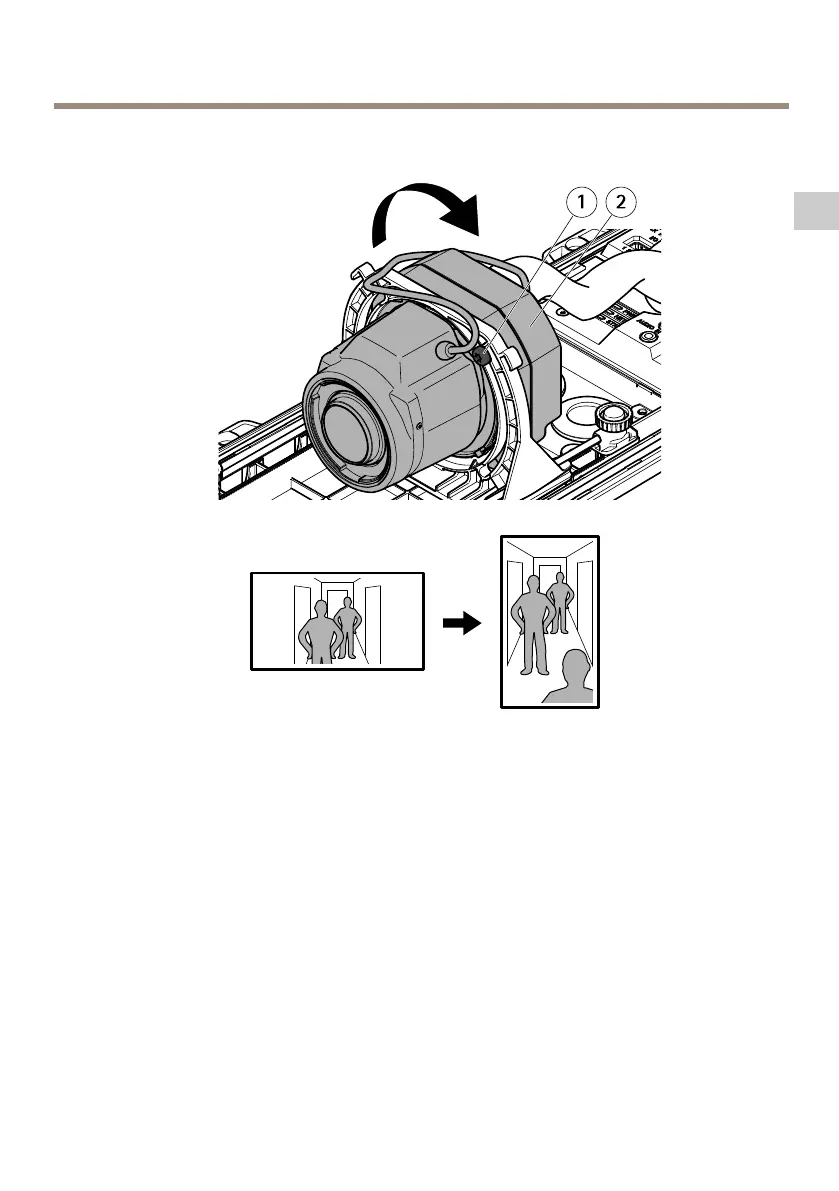
How to set up corridor format
EN
1
Lock screw (2x)
2
Optic unit
1. Loosen the two lock screws.
2. Rotate the optic unit.
3. Tighten the lock screws.
4. Go to the Stream tab on the product’s webpage and rotate the view 90°.
19
Available from A1 Security Cameras
www.a1securitycameras.com email: sales@a1securitycameras.com



 To Next Page