22
AXIS P3301/AXIS P3304
PTZ
Note:
The Pan Tilt Zoom feature only applies to the AXIS P3304/AXIS P3304-V Network Camera.
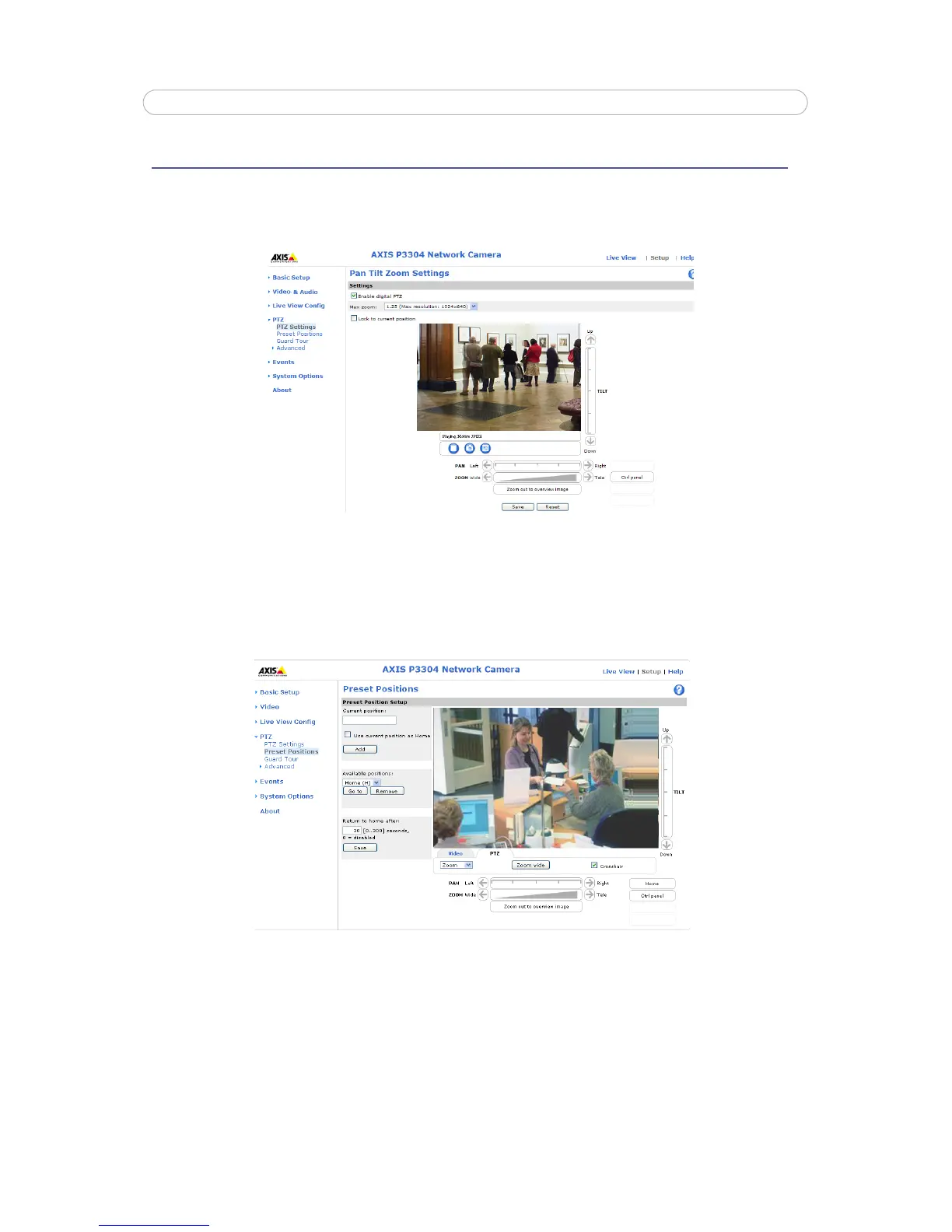
In the Pan Tilt Zoom Settings page you can enable digital PTZ and create the PTZ preset positions.
Check the Enable digital PTZ box and click Save to enable digital pan/tilt/zoom and PTZ controls in Live View.
Max zoom - Set the maximum possible zoom rate in Live View. Note that by increasing the maximum zoom rate you will be
decreasing the maximum possible resolution in the Live View Image.
Preset Positions
A preset position is a pre-defined camera view that can quickly and easily be viewed, simply by selecting the preset's name. To
create a preset position:
1. Using the Pan, Tilt and Zoom (PTZ) controls, move the camera view to the required position.
2. When satisfied with the camera’s view, enter a descriptive name for the position in the Current position field.
3. If required, select the Use current position as Home box option.



 To Next Page