AXIS P33-VE Series Network Camera Installation Guide Page 17
ENGLISH
Complete the installation
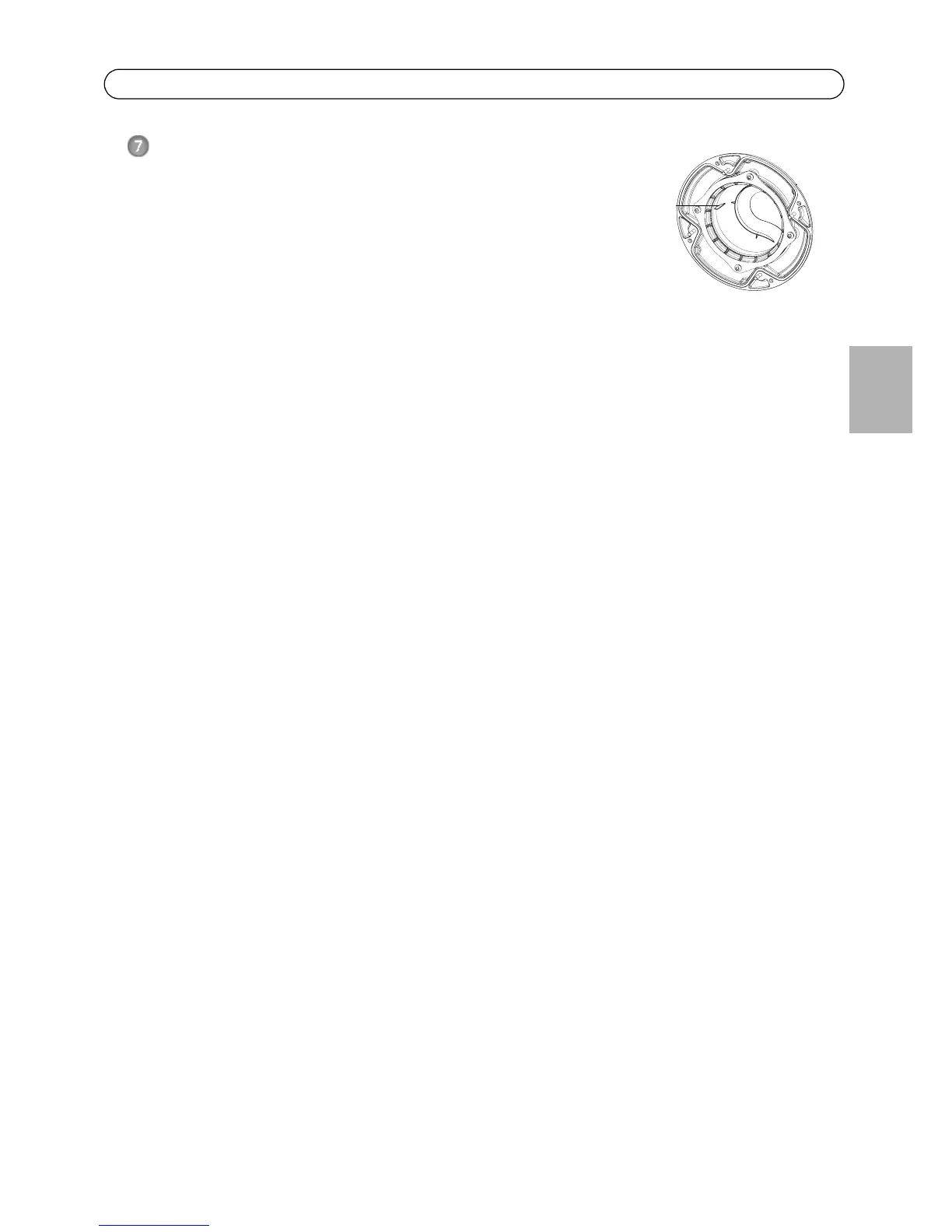
1. Rotate the black protective shield inside the dome cover
so it is aligned with the camera’s position.
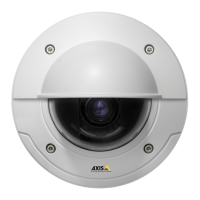
2. If required, attach the weather shield to the camera before
you attach the dome cover. To do this remove the two
screws in the dome cover. Transfer the washers from these
screws to the two long screws provided. Attach the weather shield using the two long screws.
3. Attach the dome cover to the unit casing by tightening the 4 screws.



 To Next Page