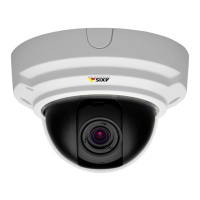
AXISP33/-VSeriesFixedDomeNetworkCamera
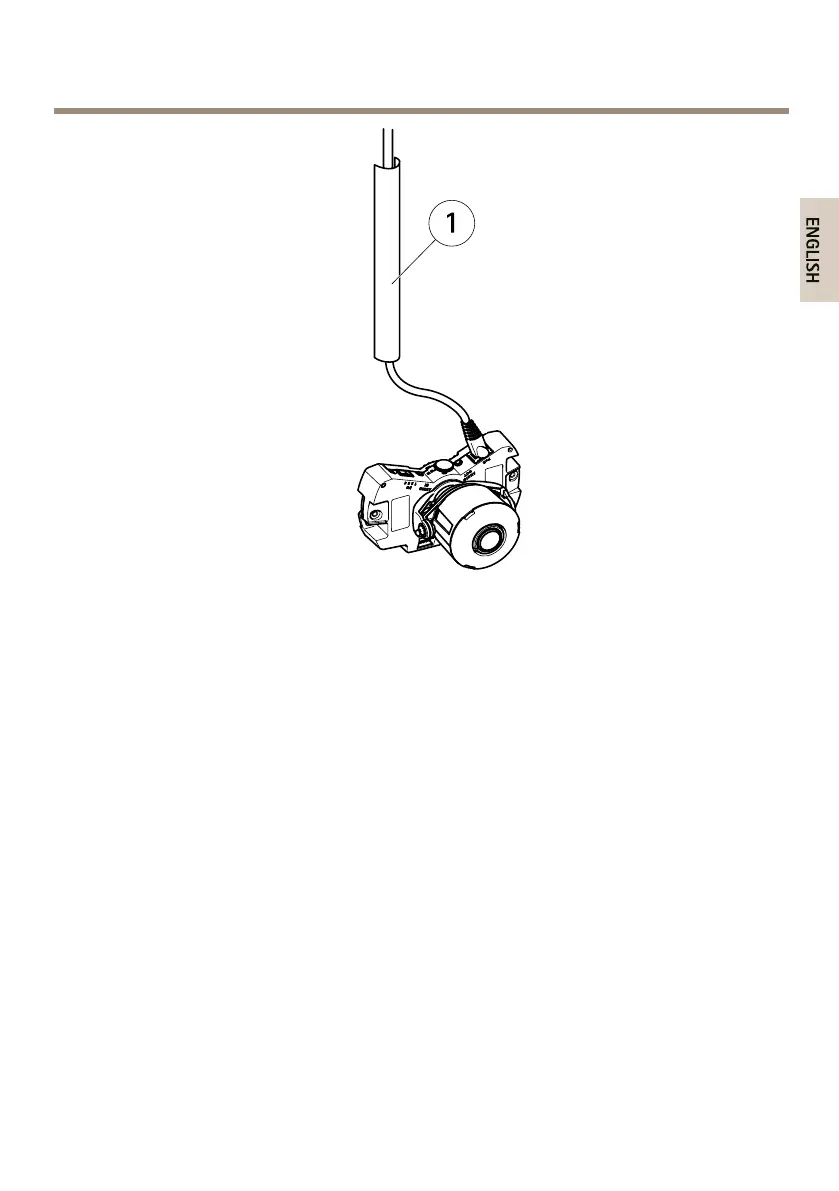
1
Metalconduit(notincluded)
Performthehardwareinstallationinthefollowingorder:
1.ReplaceClear/SmokedDomeCover(Optional)
2.MounttheCameraDirectlyontoWallor
MounttheCameraUsingaMountingBracket(notincluded)
3.AdjustthePositionoftheLens
4.AdjustFocusandZoom
5.CompletetheInstallation
ReplaceClear/SmokedDomeCover(Optional)
TheAxisproductissuppliedwithanoptionaldome.Toreplacethedomecover:
1.Loosenthefourscrewsunderthedomecoverthatholdthedomeinplace.
2.Replacetheolddomewiththenew.Makesuretherubbergasketsitssecurelyinplace
andtightenthescrews.
MounttheCameraDirectlyontoWall
1.Drilltwoholesinthewallusingthedrilltemplate.
17



 To Next Page
 Loading...