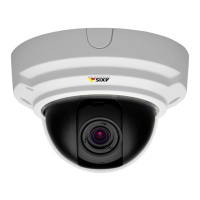
AXISP33/-VSeriesFixedDomeNetworkCamera
CompletetheInstallation
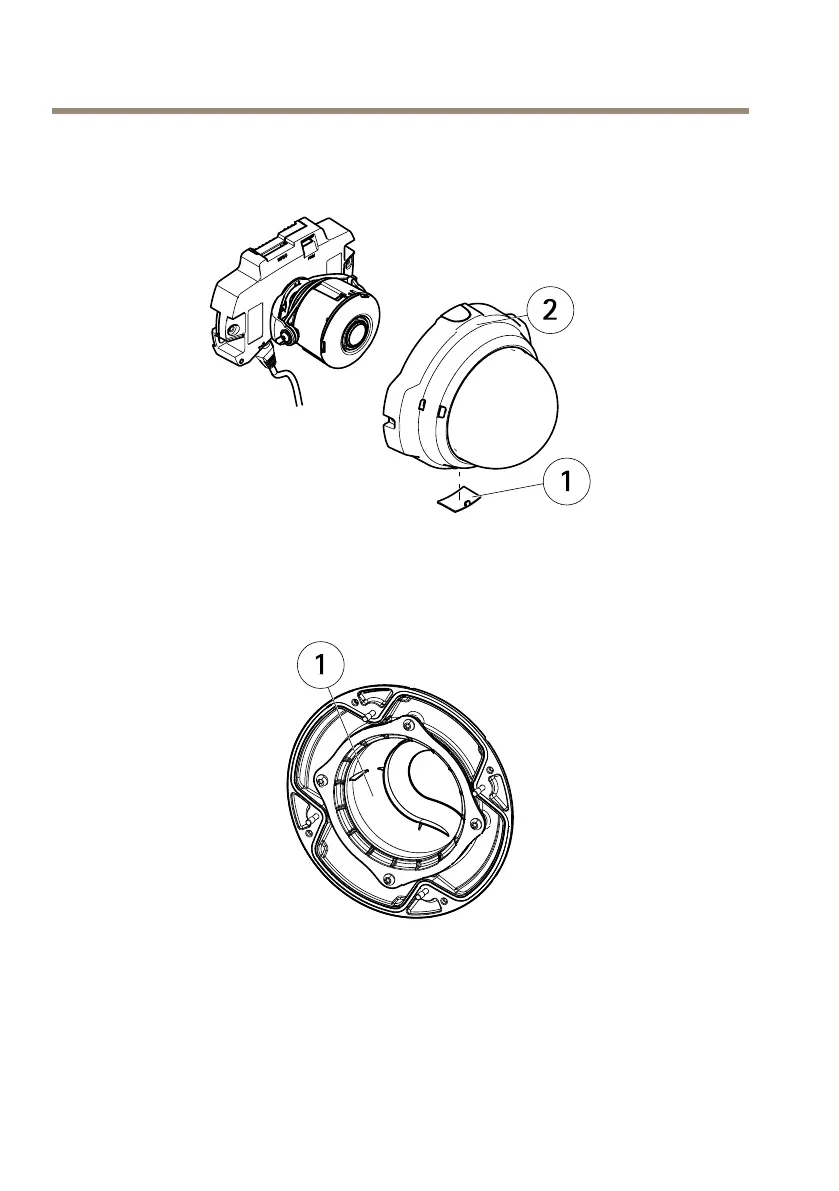
1.Ifthecablesareroutedalongthewall,removethesidelidfromthecamera’sdomecover.
1
Sidelid
2
Domecover
2.Rotatetheblackshieldinsidethedomecoversoitdoesnotcoverthelens.
1
Blackshield
3.Makesuretherubbergasketsitssecurelyonthedomecover.
4.Cleanthedomewithadrysoftclothtoremovedustandngerprintsanduseablower
toremovedustfromthelens.
5.Attachthedomecoverandtightenthescrews.
22



 To Next Page
 Loading...