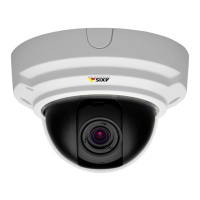
AXISP33/-VSeriesFixedDomeNetworkCamera
1
Lockingscrew
2
Lensholder
3
Marking(designA)
4
Marking(designB)
2.Loosenthelockingscrew.
3.ChecktheLiveViewpageandturnthelensholdertorotatethelens90°or180°.
4.Oncesatised,gentlytightenthelockingscrewtosecurethelensholder’sposition.
TilttheLens
NO NO
NO
TICE TICE
TICE
ValidforAXISP3365–V/P3367–V/P3384–V:Thelensshouldnotbetiltedmorethan90°,
thismaycausedamagetotheproduct.Followtheinstructionsbelow.
20



 To Next Page
 Loading...