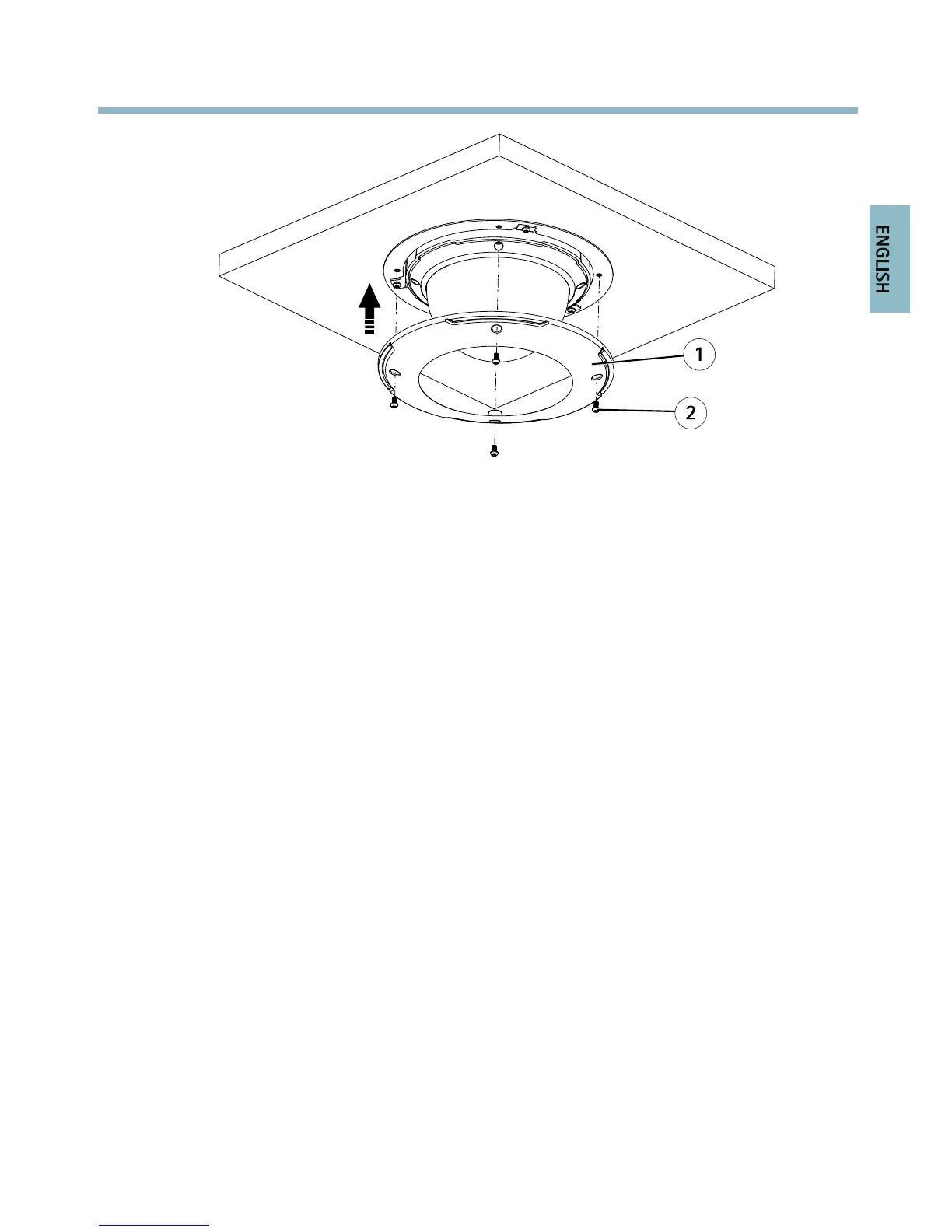
1
Trimring
2
TrimringscrewT20(4x)
BracketMount(soldseparately)
1.Installtheselectedbracketaccordingtotheinstructionssuppliedwiththebracket.If
drillingisrequired,makesuretousedrillbits,screwsandplugsthatareappropriatefor
thematerial.
2.Loosenthecamerabaselidscrewsandremovethecamerabaselid.
3.Routethenetworkcableandthemulti-connectorcable,ifapplicable,throughtheholes
inthemountingbracket.
4.Securethecamerausingthesuppliedsafetywire.
23


 To Next Page
 Loading...






