Axisbodywornsolution
Maintenance
4.ClickSave.
Note
Ifyouwanttoswitchtoadifferentcontentdestinationyouneedtoresetthesystem,seeResetsystemonpage33.
Removesystemhardware
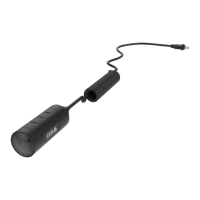
Removeacamera
Note
Youcanremoveacamerabothdockedandwhenit’sinuse.Ifyouchoosetoremovethecamerawhenit’sinuse,all
contentistransferred,andthecameraisremovedafterit’sdocked.Whenthecontenttransferiscomplete,thecamerais
resettofactorydefaultwiththelatestuploadedrmware.
Toremoveacamerafromthebodywornsystem:
1.GotoDevices.
2.Openthecamerayouwanttoremove.
3.Openthecontextmenu
andclickRemove.
4.ClickRemove.
Important
Neverremovebodyworncamerasfromyourcontentdestination.AlwaysuseAXISBodyWornManagertoremovecameras.
Ifthecameraislostordamagedbeyondrepair,seeForceremovecameraonpage31.
Forceremovecamera
Youcanforceremoveacamerafromthebodywornsystemifthecameraislostordamagedbeyondrepair.Thisoptionisavailable
onlywhenthecameraisinstateInuse.Forceremovingacamerarequiresaccesstothehighestsecuritylevelinthebodyworn
system,permittedusingtheSuperadminpassphrase.Toforceremoveacamera:
•GotoDevices.
•Openthecamerayouwanttoremove.
•Openthecontextmenu
andclickRemove.
•ClickRemove.
•EntertheSuperadminpassphrase.
•ClickForceremove.
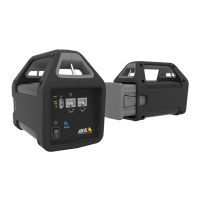
Removeanextensionsystemcontroller
Note
•AlwaysremovetheextensionsystemcontrollerfromthesysteminAXISBodyWornManagerbeforeyouphysically
disconnectit.
•Whenyouremoveasystemcontrollerfromthebodywornsystem,allcontentistransferredtothecontentdestination,and
thesystemcontrollerisresettofactorydefaultsettings.
Toremoveanextensionsystemcontrollerfromthebodywornsystem:
1.GotoDevices.
31


 To Next Page