46
Axis video server - Pan Tilt Zoom
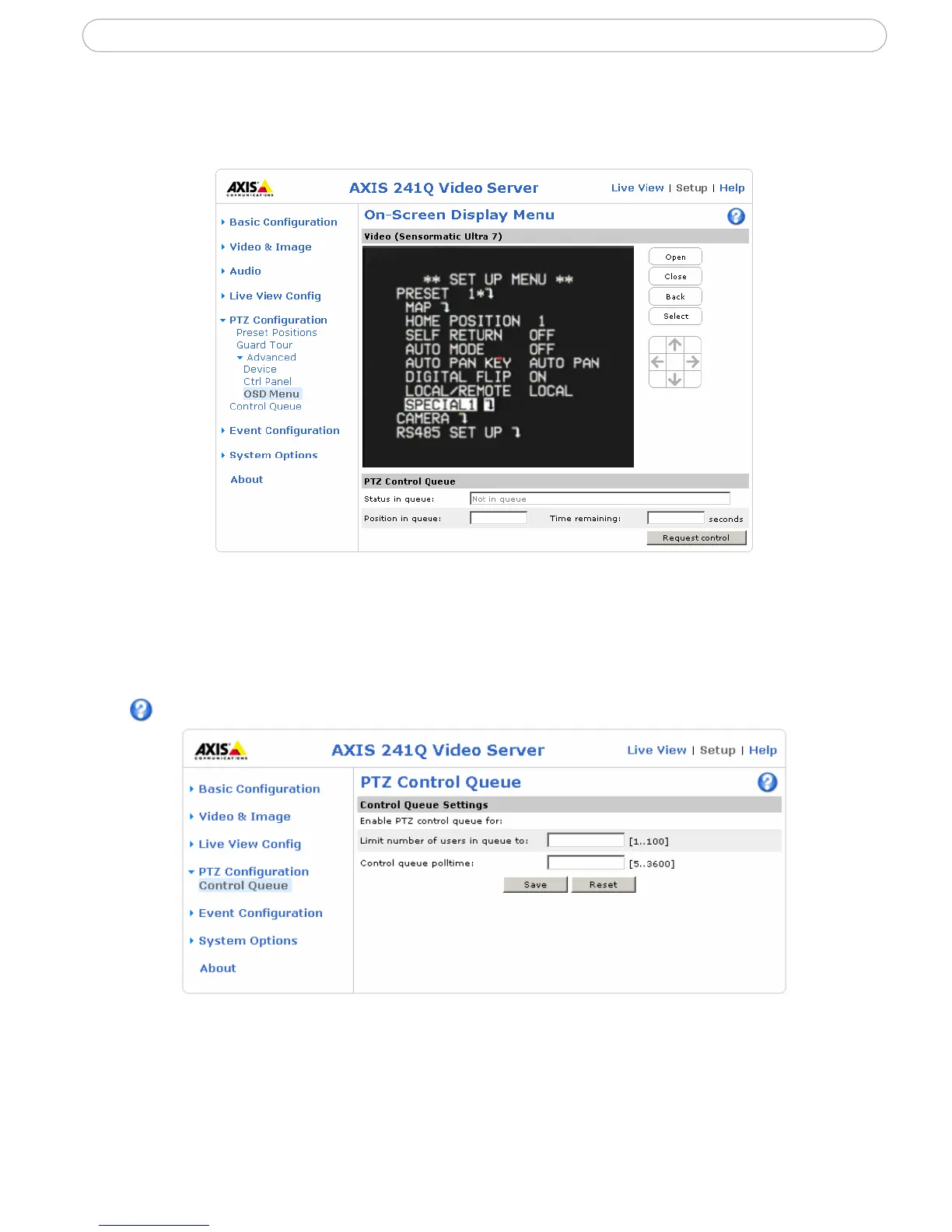
OSD Menu - If the PTZ unit supports an internal configuration menu, this can be accessed
using the On-Screen Display (OSD). Configure the analog camera by opening and
navigating through its internal menu in this display.
PTZ control queue
Use the PTZ control queue window to enable and disable PTZ queueing. This window
allows you to set up a queue for viewers wanting to access the Axis video server, and
limits the number of viewers and the length of time each viewer can access and control the
PTZ unit. For more information on how to set up the control queue, please see the online
help.
Note also that a viewer who belongs to a group (see Security, on page 48) with a higher
PTZ priority can go before other users in the queue and take control of the Axis video
server.



 To Next Page