维修手册
专案名称:
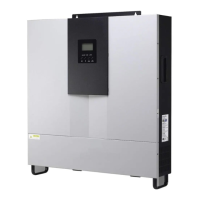
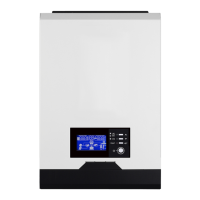
AxpertVM1KW/VM2KW
专案编号:
S1701112
修订版次:
00 PAGE 13/30
V-RDP-004-73 A
4.4 LED board
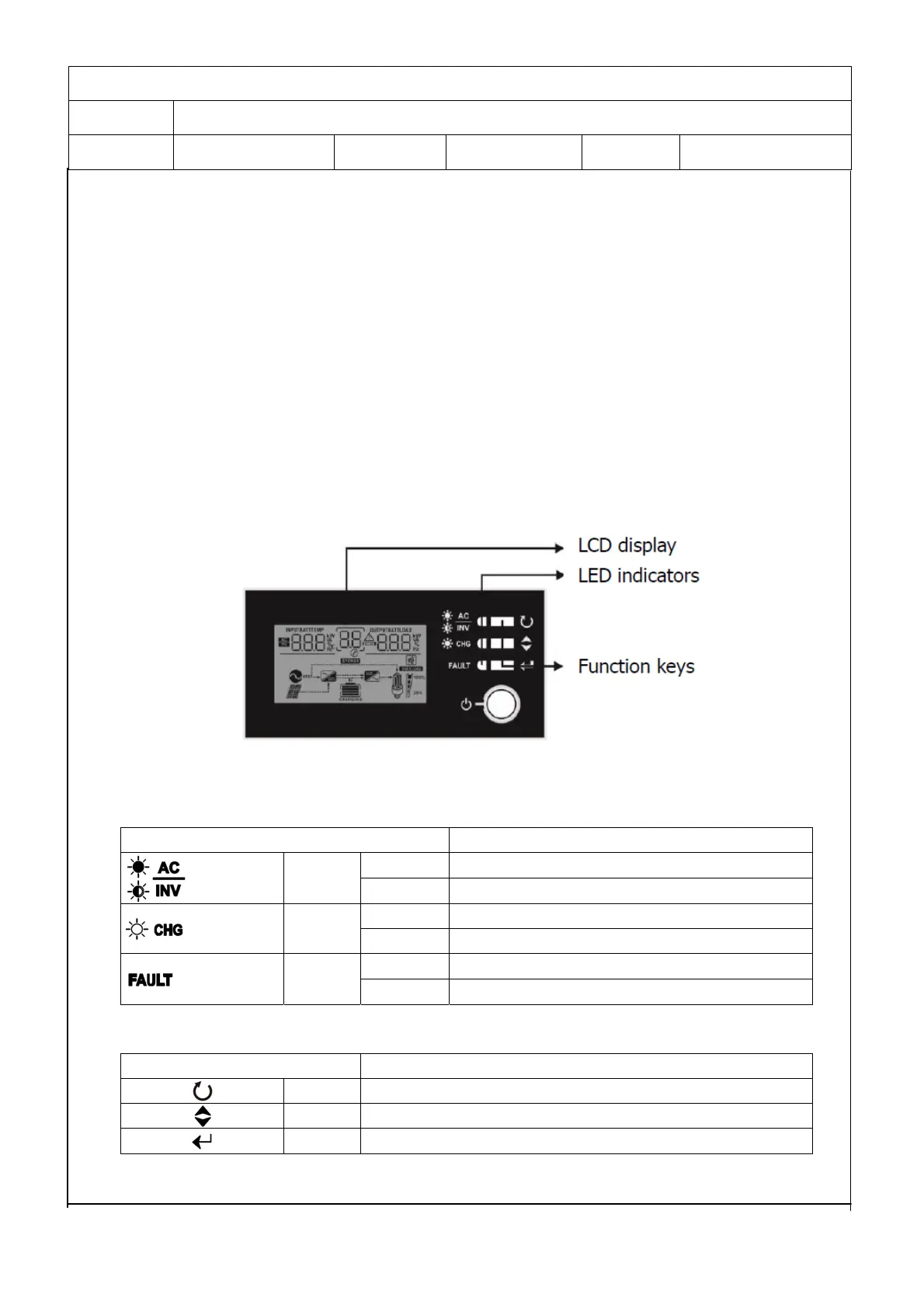
The LED display panel includes there indicators and four functional keys.
5. Interface
The operation and display panel, shown in below chart, It is on the front panel of the inverter. It includes
three indicators, four function keys and a LCD display, indicating the operating status and input/output
power information.
5.1 LED Indicator
LED Indicator
Messages
Green
Solid On Output is powered by utility in Line mode.
Flashing Output is powered by battery or PV in battery mode.
Green
Solid On Battery is fully charged.
Flashing Battery is charging.
Red
Solid On Fault occurs in the inverter.
Flashing
Warning condition occurs in the inverter.
Function Keys
Function Key Description
ESC To exit setting mode
SCROLL To go to next selection
ENTER To confirm the selection in setting mode or enter setting mode


 To Next Page