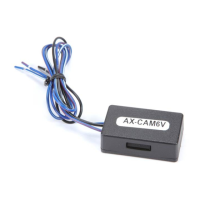
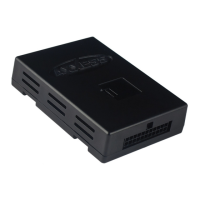
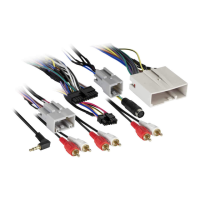
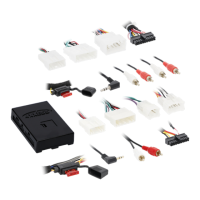
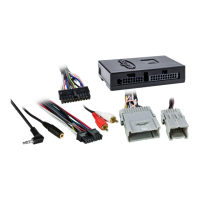
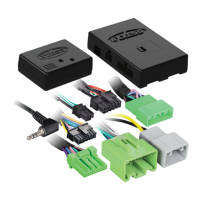
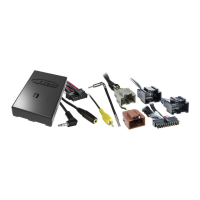
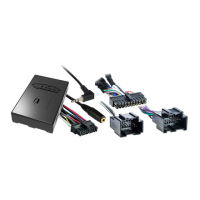
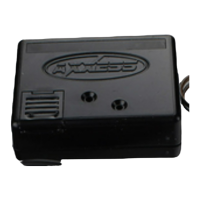
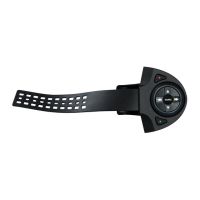
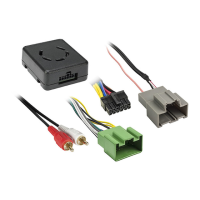
(Figure C)
Installation Instructions
1. Connect one end of the resistor to the Blue/Yellow wire from the radio. Connect the other end of the resistor
to the Brown wire from 3.5mm adapter included with the AXSWC. (Figure A)
2. Proceed with programing the steering wheel controls. Once the AXSWC interface shows the correct radio (5
LED flashes), remove the resistor.
3. Reconnect the Blue/Yellow and Brown wires without the resistor in place. (Figure B)
4. Test the steering wheel controls for proper functionality.
5. The installation is now complete.
(Figure A)
(Figure B)


 To Next Page
 Loading...