AxxessInterfaces.com
© COPYRIGHT 2020 METRA ELECTRONICS CORPORATION
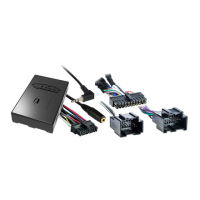
1. Program the interface to the vehicle following the vehicle specific document.
2. Turn the radio off.
3. Cycle the key off, then back on.
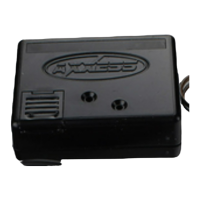
4. Wait until the interface’s light flashes Green one time then goes out.
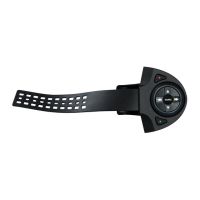
5. Press and hold the Volume Down button on the steering wheel until the interface’s light turns solid Red,
then release. The light will then go out indicating that the interface is now in Changing Radio Type mode.
6. Press and hold the Volume Up button on the steering wheel until the interface’s light turns solid Red, then
release. Radio number 1 has now been programmed. Repeat this step four more times.
7. Press and hold the Volume Down button on the steering wheel until the interface’s light turns solid Red. The
light will remain solid Red for 3 seconds while it stores the new radio information. After the light goes out,
turn the radio on and test the steering control wheel controls.
8. The installation is now complete.
As an alternative, the radio can also be manually programmed to the AXSWC interface.
Manual Program


 To Next Page
 Loading...