3
REV. 7/6/2018 INSTGMOS-LAN-012
CONNECTIONS TO BE MADE
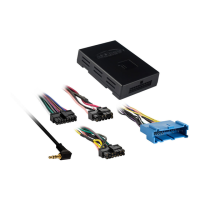
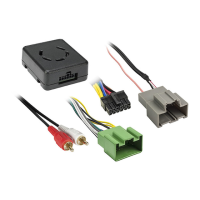
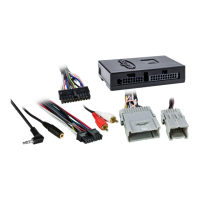
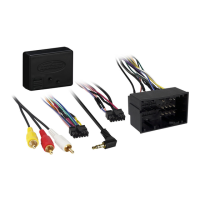
From the 16-pin harness with stripped leads to the aftermarket radio:
• Connect the Red wire to the accessory wire.
Note: If installing either an ASWC-1 or AX-LCD (both sold separately), connect the (2) Red
wires from the GMOS-LAN-012 harness as well.
• Connect the Orange/White wire to the illumination wire. (If the aftermarket radio has no
illumination wire, tape off the Orange/White wire).
• Connect the Blue/White wire to the amp turn on wire (this wire must be connected to hear
sound from the factory amplifier).
• Connect the Brown wire to the mute wire of the aftermarket radio. If the radio has no mute
wire, tape it off and disregard it.
• Connect the White wire to the left front positive speaker output.
• Connect the White/Black wire to the left front negative speaker output.
• Connect the Gray wire to the right front positive speaker output.
• Connect the Gray/Black wire to the right front negative speaker output.
Connect the following 4 wires ONLY if your vehicle comes equipped with a digital amplifier:
• Connect the Green wire to the left rear positive speaker output.
• Connect the Green/Black wire to the left rear negative speaker output.
• Connect the Purple wire to the right rear positive speaker output.
• Connect the Purple/Black wire to the right rear negative output.
The following (3) wires are for an aftermarket multimedia/navigation radio that provide these
wires (if not required, tape them off and disregard them):
• Connect the Light Green wire to the parking brake wire, if applicable.
• Connect the Blue/Pink wire to the speed sense wire (V.S.S.), if applicable.
• Connect the Green/Purple wire to the reverse wire, if applicable.
Continue on the next page


 To Next Page
 Loading...