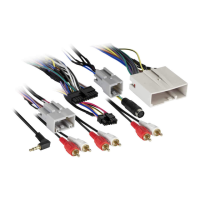
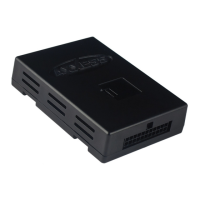
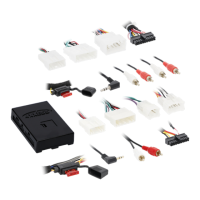
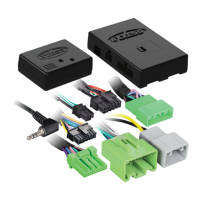
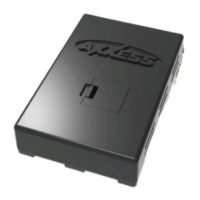
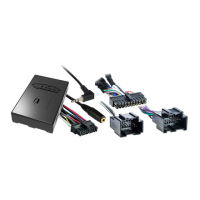
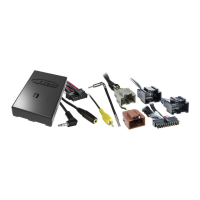
With the key in the off position:
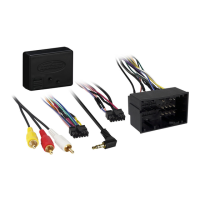
• Connect the XSVI-1731-NAV harness into the interface, and then to the harness in the vehicle.
Attention!
If the interface loses power for any reason, the following steps will need to be
performed again. Also, if installing an ASWC-1 connect it after you initialize and test the interface/
radio, with the key in the off position.
•
Turn the key (or push-to-start button) to the ignition position and wait until the radio comes on.
Note:
If the radio does not come on within 60 seconds, turn the key to the off position,
disconnect the interface, check all connections, reconnect the interface, and then try again.
• Turn the key to the off position, and then to the accessory position. Test all functions of the
installation for proper operation, before reassembling the dash.
INSTALLING THE XSVI-1731-NAV INITIALIZING THE XSVI-1731-NAV
Shop for other car stereo and video installation parts on our website.

 To Previous Page
 Loading...