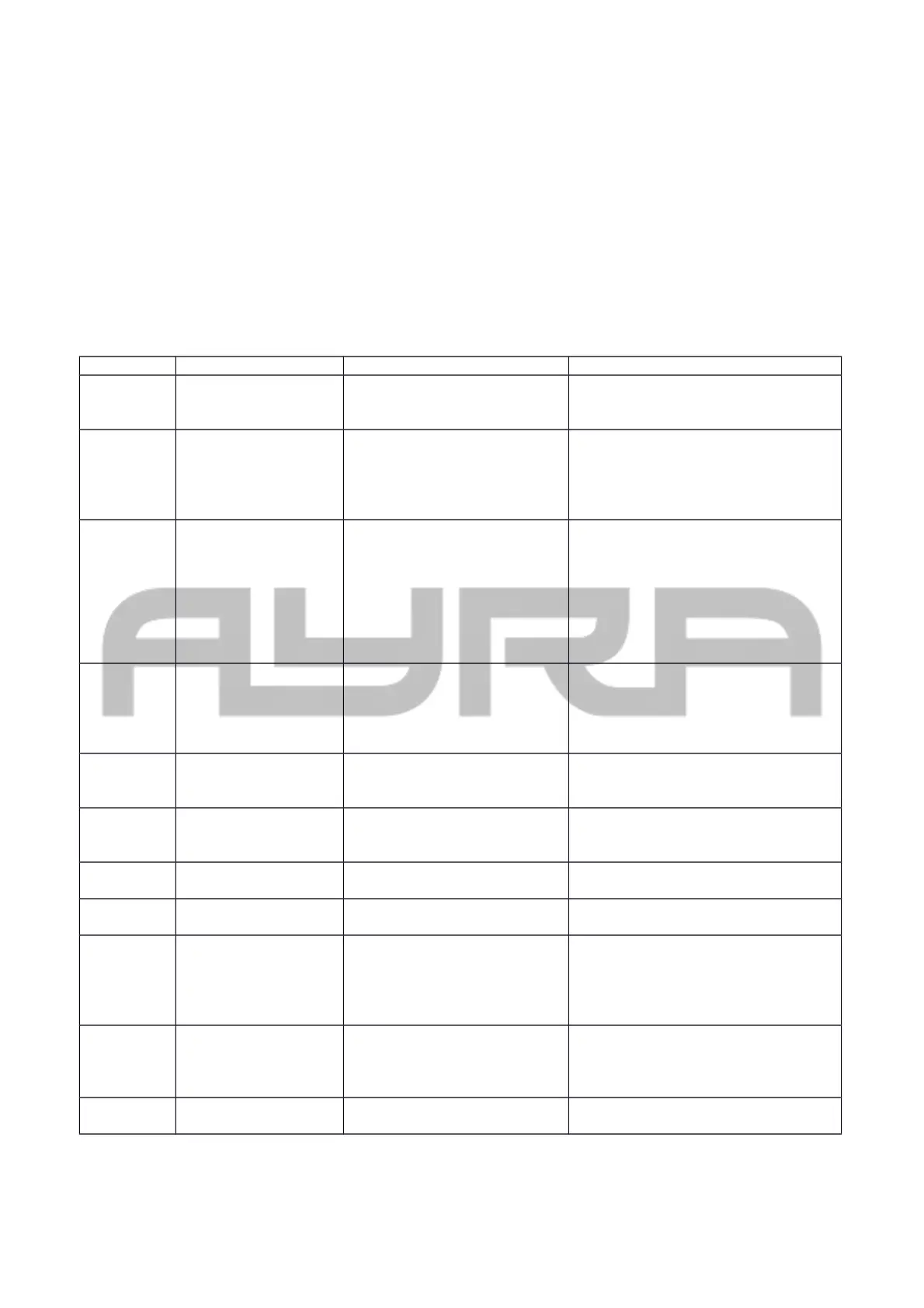
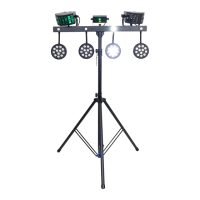
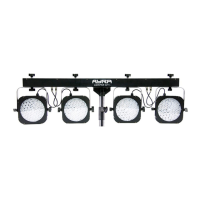
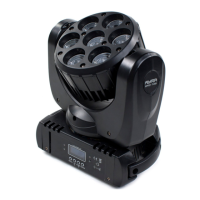
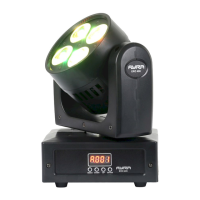
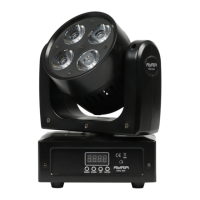
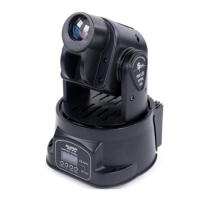
Setting up the unit
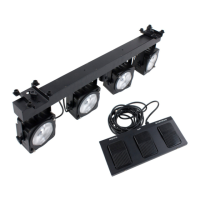
The ComPar KIT series comes with a practical tripod light stand. Extract the feet of the stands until they are
fully extended. Pull the distance tube out until you reach the appropriate installation height and tighten the
knob. Use the included safety pin to ensure that the stand will not slide down. Place the ComPar KIT bar on
the stand. To activate the unit, connect the included power supply to the unit and a suitable 230V, 50Hz
power outlet. The unit will activate directly after it is plugged in to a wall outlet or other power source.
The status of the fixture is shown on the display. Certain values determine the current status and will change
when you push buttons on the control panel. The buttons each have their own function, for easy navigation in
the control panel.
Display codes:
display Mode Function Description
ADDR DMX address setting A001-A512 Set the DMX start address by
choosing a value between 1 and
512.
CHND Channel mode 1-channel mode
3-channel mode
7-channel mode
12-channel mode
16-channel mode
Select the DMX channel mode,
which determines how many
channels the unit will fill on your
DMX controller. More channels =
more specific functionality
SLND Master/Slave mode Slave 1-2 or master operating
mode
NOTE: Only possible by connecting
two ComPar KIT 3 units with each
other by 3p XLR cable.
Set the unit to Slave 1 or 2. In music
mode, slave 2 will switch between
mirrored and synced operation
mode. Slave 1 is standard synced
mode.
SHND Show mode Show 1 - Show 8 + AUTO Select any internal automatic show
for stand-alone applications
When selecting the AUTO mode, you
can also select a preferred speed to
run the programs to.
SOUN Sound mode Sound on/off Activate or deactivate the internal
microphone and the music-controlled
mode
SENS Sound sense Sound sensitivity 0-100 Select the sensitivity of the internal
microphone, for the sound-activated
mode
BLND Blackout mode LED mode, YES – NO Activates or deactivates the beam
output for the LED projectors
LED Display on/off LED YES – NO Shuts down the display when not
used after 30 seconds
DISP Display inversion Display Inversion, Idsp-dspI Inverts the display, when the unit is
used upside-down as a large floor
spotlight with floor stands. This
makes it easier to read certain
display statuses.
TEST Test mode Self test Self-test program, projects all
colours separately. This makes it
possible to check if there are
defective LED modules.
Hour Using time of light Fixture hours, 0 ~ 9999 Displays the run time of the fixture.
Used by rental companies to
Any information and illustrations shown in this user manual are subject to change without further notice.
User manual version: 1.0 Creation date + author initials: 22-04-2015 RV Revision date + author initials: -


 To Next Page