iii
CAUTION
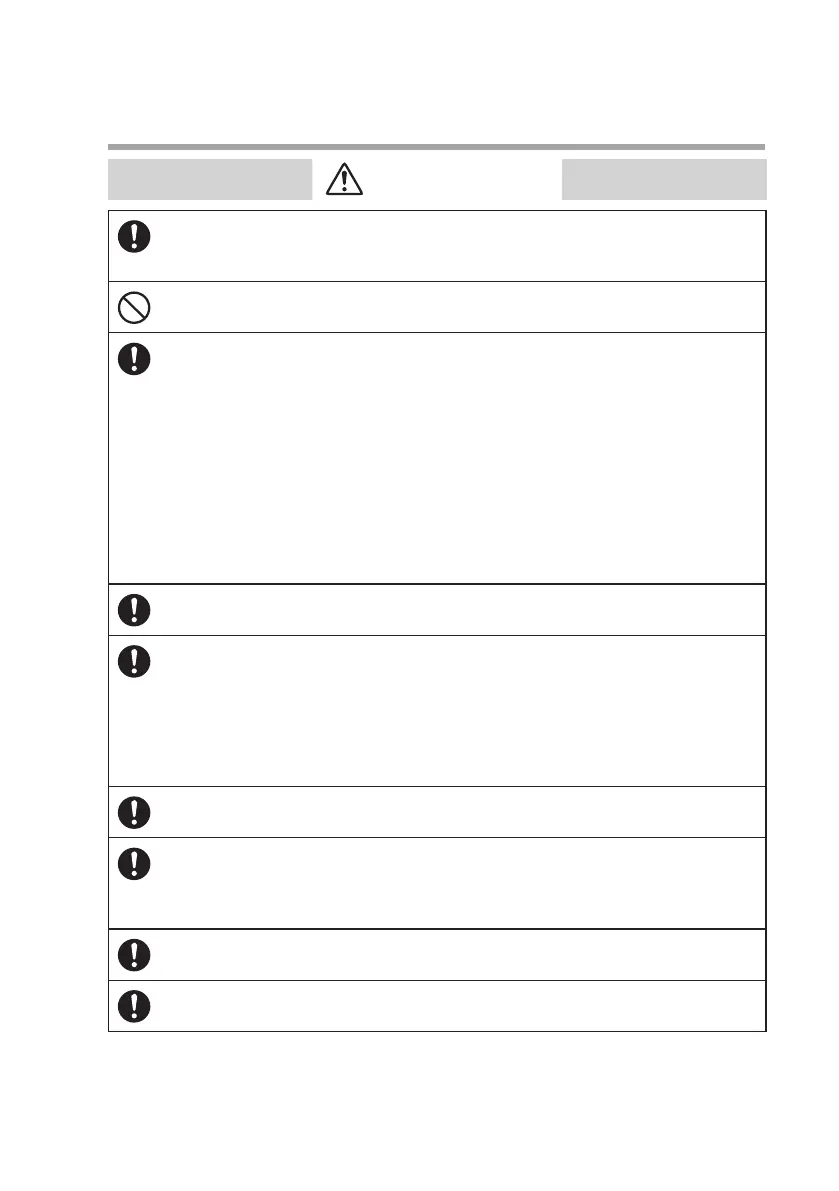
Use the device within the operating differential pressure range. Also, do not
subject it to pressure beyond the rated pressure resistance range. Doing so
might damage it.
Do not subject this device to pressure above its pressure resistance. Doing so
might damage it.
The valve on this device cannot completely shut a flow off. If complete shutoff is
required, provide a shutoff valve separately. When the external valve is closed,
it is necessary also to fully close the valve of the device using either of the fol-
lowing methods:
• Set the flow rate setpoint to zero.
• Make the valve operation mode to fully closed.
If this valve remains in normal control status when the external shutoff valve is
closed (zero flow rate), there will be an excessively large flow as soon as the ex-
ternal shutoff valve is opened. This excessive flow rate could activate the AL83
alarm (operated by the sensor safety circuit). If the sensor safety circuit is acti-
vated, flow rate measurement and flow control are not possible until the power
is turned off and back on again.
If damage could result from the abnormal functioning of this device, include ap-
propriate redundancy in the system design.
Before connecting pipes with Swagelok or VCR connections, check
the precautions in the instruction provided by the connecting joint
manufacturer.
When separately purchasing a connecting joint, use the following
made by Swagelok Co., Ltd:
1/4” Swagelok: SS-400-1-6STSC11
1/4” VCR: SS-4-VCR-1-00032SC11
The device is a precision instrument. Do not drop it or subject it to impact, or it
might be damaged.
When installing joints (UNF connections), secure the lower part of the main unit
in a vise or the like gripped between rags to protect the finished surfaces, and
turn the joint to tighten. The device may be damaged if the lower main unit is
not secured.
Mount securely in order to prevent vibration. Otherwise, equipment failure
could result.
Mount the device horizontally. Do not mount it with the display facing down.
Doing so might cause measurement error or equipment failure.



 To Next Page