Getting Started
Preparing the SmartMirror for use
8 SmartMirror User’s Guide 2008
AZENTEK, LLC Revision 2.0
Preparing the SmartMirror for use
Use the device at your own risk.
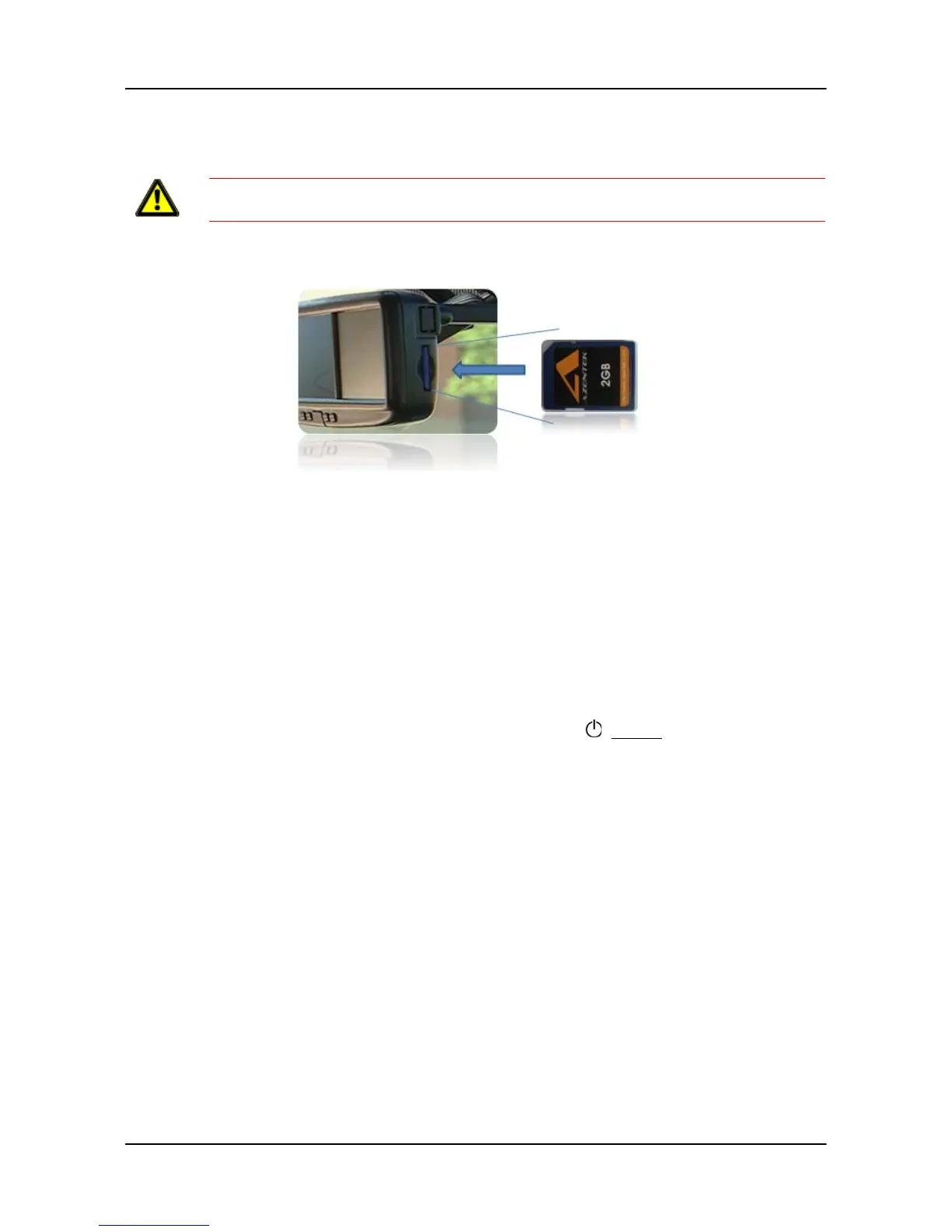
Inserting a memory card
The SD memory card contains maps and navigation software. It also stores saved
destinations, routes, and logbook entries.
• Insert the memory card provided into the slot on the side of the device. Press the
card into the device until it locks into place.
Removing the memory card
1. Switch the navigation device off by pressing the (On/Off) switch for at least
6 seconds.
2. Press the memory card gently into the device until the lock disengages.
Caution!
Please be sure to see the safety information in “Important safety information”
on page 6.



 To Next Page