2008 SmartMirror User’s Guide 35
Revision 2.0 AZENTEK, LLC
My Destinations
Every destination that you enter and the destinations from the LAST DESTINATIONS list can
be saved to the
FAVORITES list. This is useful if you often navigate to a particular desti-
nation.
Saving a destination
1. Enter a destination. (See “Selecting Destinations” on page 17.
Do not tap the
Start Navigation button!
2. Tap
Options > Save Destination.
- OR –
1. Select a destination from the
LAST DESTINATIONS LIST. (See page 37.)
Do not tap the
Start Navigation button!
2. Tap
Options > Save as Favorite.
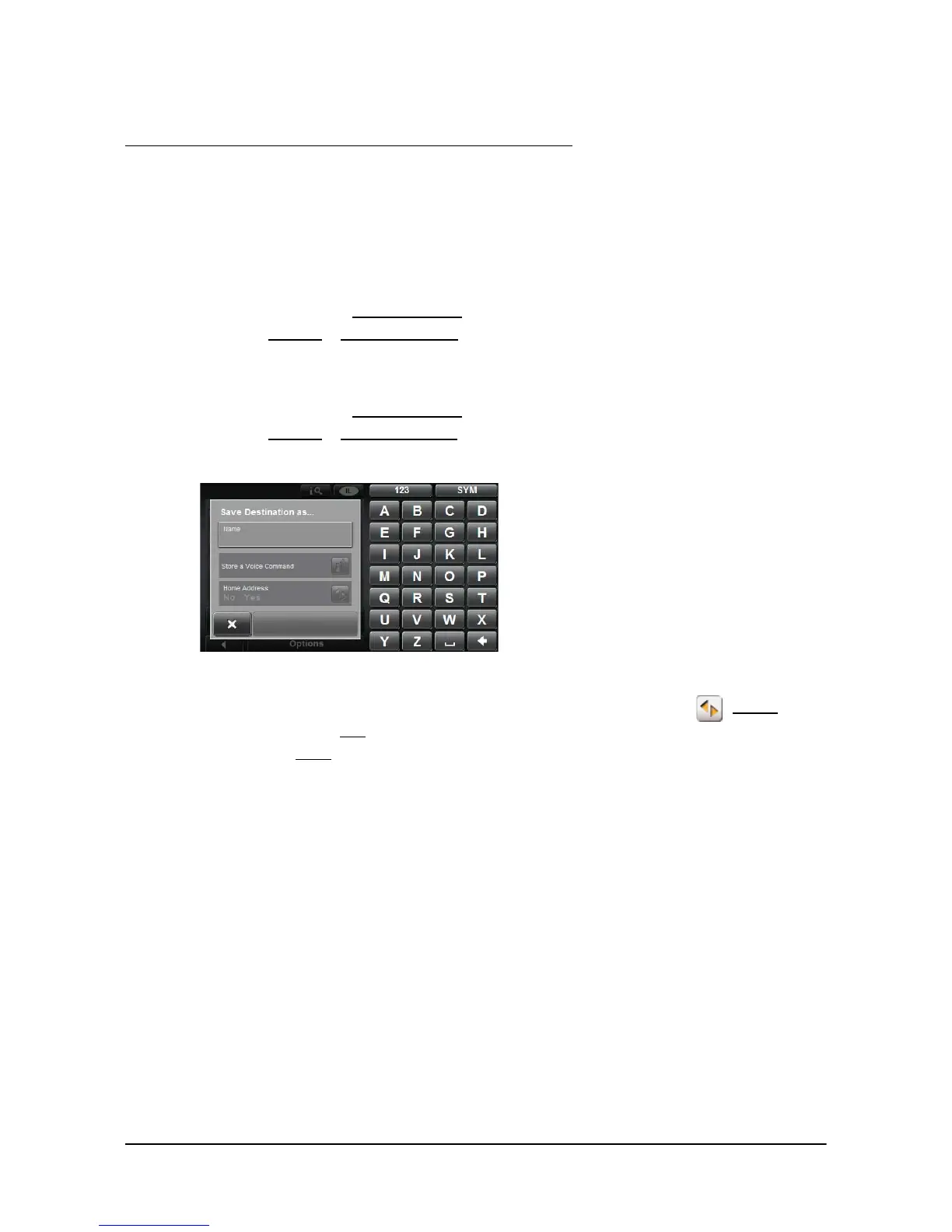
3. Enter a name for the destination.
4. If you want to define the destination as your home address, tap (Toggle) so
that the value
Yes is highlighted in black.
5. Tap the
Save button.



 To Next Page