My Destinations
Selecting a saved destination
2008 SmartMirror User’s Guide 37
Revision 2.0 AZENTEK, LLC
Selecting a saved destination
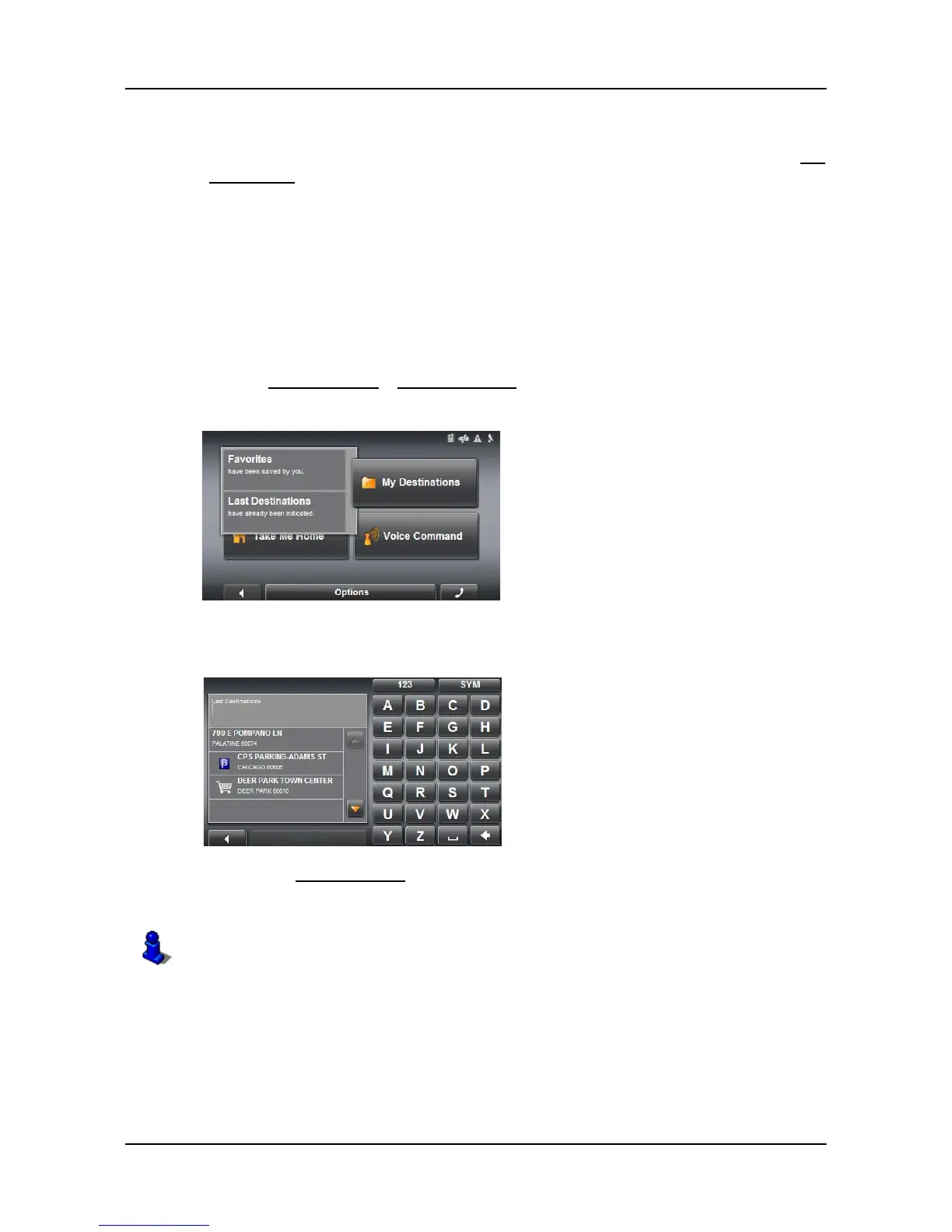
The following lists of destinations and addresses are available for selection under My
Destinations.
LAST DESTINATIONS Destinations you have previously navigated to.
FAVORITES Destinations you have stored.
Selecting a destination from the Last Destinations list
Saves the last 30 destinations to which you have navigated in the LAST DESTINATIONS
list.
In the
MAIN WINDOW:
1. Tap
My Destinations > Last Destinations.
2. Tap the destination to which you would like to navigate.
3. Tap the
Start Navigation button.
The map opens in Preview mode.
For more information, see “Starting navigation” on page 33.



 To Next Page