My Destinations
Selecting a saved destination
38 SmartMirror User’s Guide 2008
AZENTEK, LLC Revision 2.0
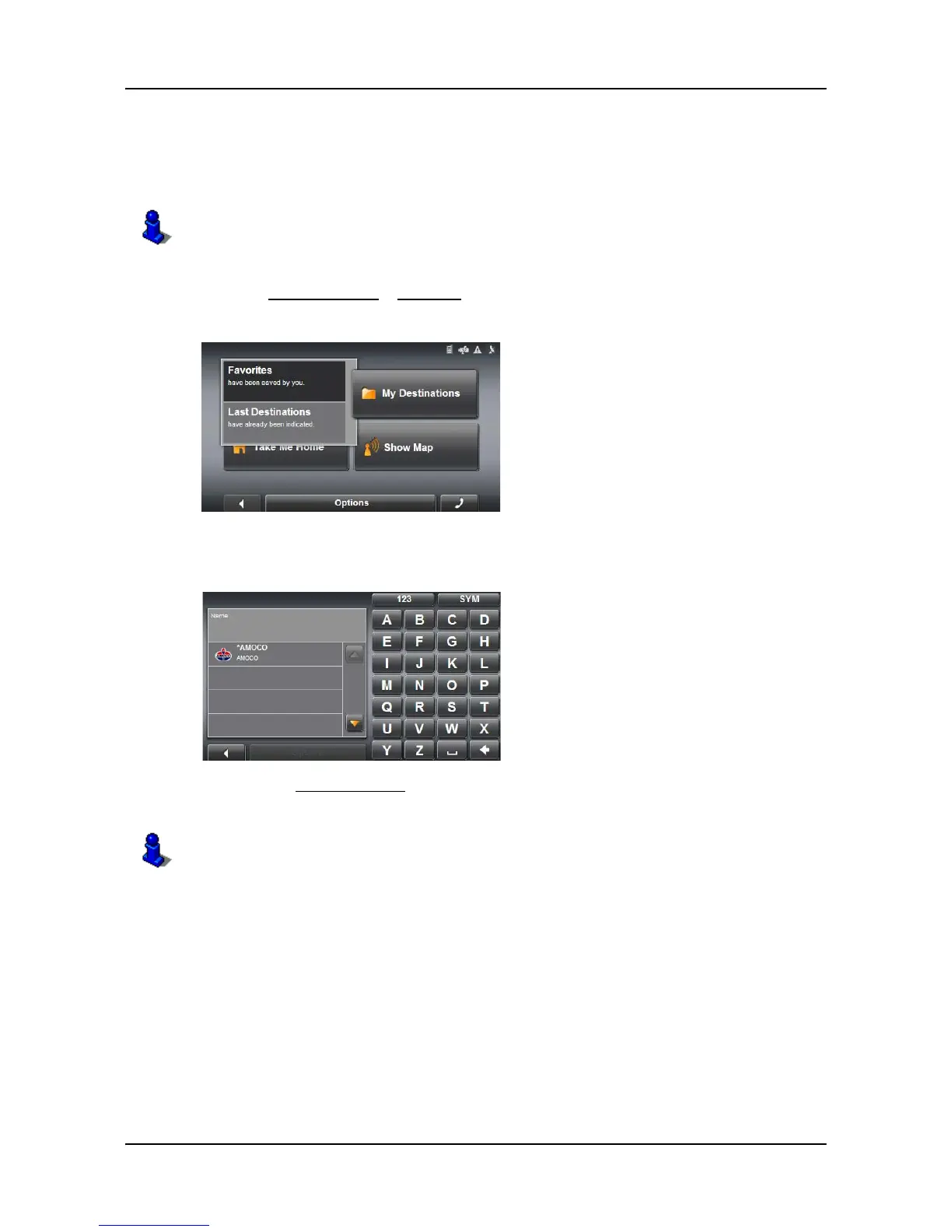
Selecting a destination from the Favorites list
Destinations to which you often travel can be saved in the FAVORITES list.
In the
FAVORITES list, up to 300 destinations can be saved.
In the
MAIN WINDOW:
1. Tap
My Destinations > Favorites.
2. Tap the destination to which you would like to navigate.
3. Tap the
Start Navigation button.
The map opens in Preview mode.
Information on how to store a destination can be found in “Saving a destination” on
page 35.
For more information, see “Starting navigation” on page 33.



 To Next Page