Home
Azentek
GPS
SmartMirror
Page 53 (Working with Maps)
Azentek SmartMirror - Working with Maps
68 pages
Manual
Save Page as PDF
To Next Page
To Next Page
To Previous Page
To Previous Page
Loading...
2008
SmartMirror User’s Guide
47
Revision 2.0
AZENTEK,
LLC
W
orking With Map
s
Y
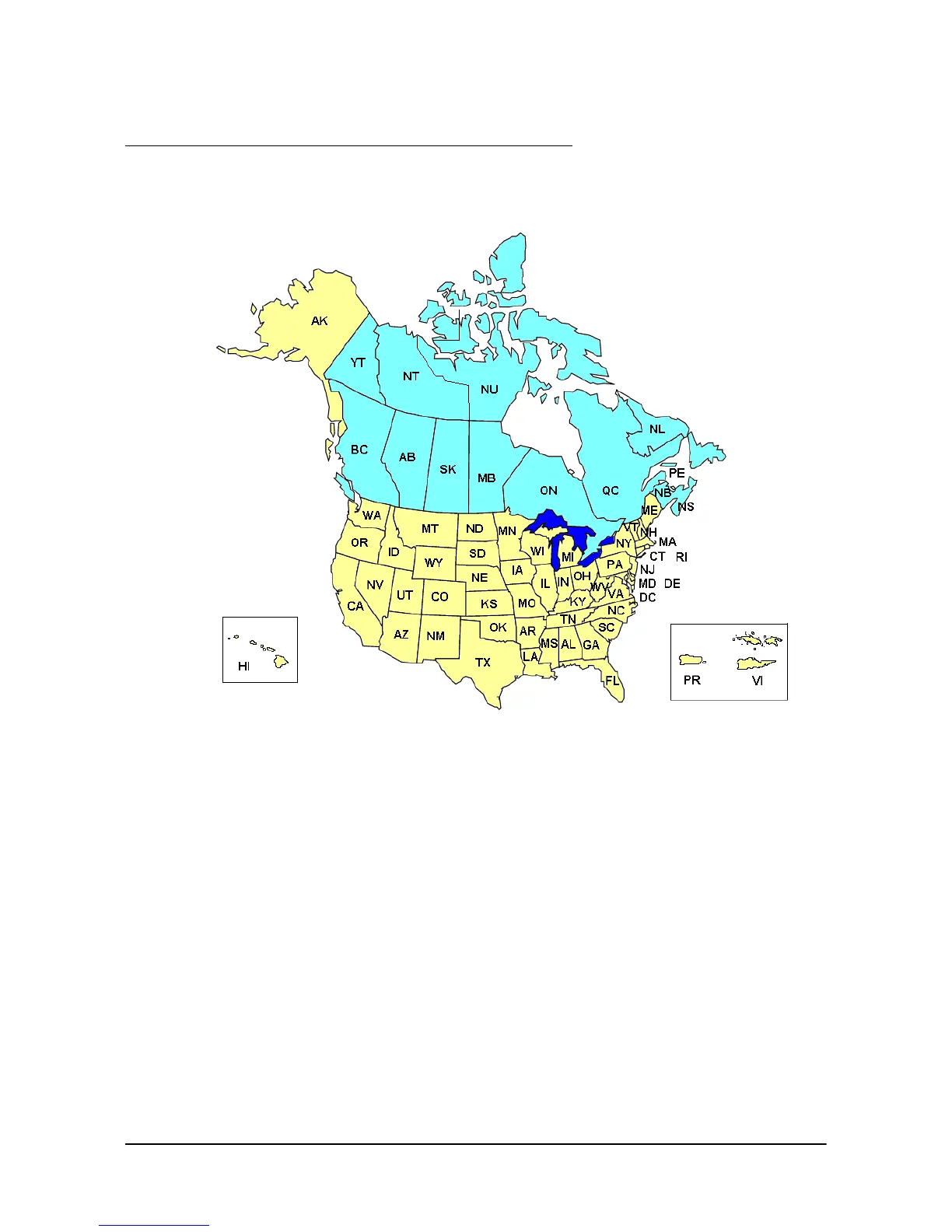
our SmartMirror comes with map
s of t
he 48 contiguous United S
t
ates, Alaska,
Hawaii, Puerto Rico and the Virgin Islands,
and all 13 Canadian provinces/te
rritories.
52
54
Table of Contents
Main Page
End User License Agreement
3
About this Manual
7
Legal Notice
7
Customer Service
8
Telephone Support
8
About GPS Navigation
10
Getting Started
11
What's Included
11
Important Safety Information
12
Navigation Safety Information
12
Safety Information for the Navigation Device
13
Inserting a Memory Card
14
Removing the Memory Card
14
Basic Operations
15
The Main Window
15
Initializing the GPS Receiver
17
Setting the Volume
17
Alphabetic Keyboard
19
Numeric Keyboard
19
Special Keys
20
Using Menus
20
Password Protection
21
Setting a Password
21
Changing a Password
21
Cancelling Password Protection
22
Forgotten Your Password
22
Selecting Destinations
23
Enter an Address
25
Entering an Address
26
Starting Navigation
39
Quitting Navigation
39
Arriving at Your Destination
39
Saving a Destination
41
Selecting a Saved Destination
43
Navigating Homewards
45
Working with Routes
47
Changing the Starting Point
48
Entering Route Points
48
Managing Routes
49
Saving Routes
49
Loading Routes
49
Calculating and Displaying Routes
50
Simulating Routes
51
Blocking Route Sections
52
Removing Blocks and Using Original Routes
52
Working with Maps
53
Map in Preview Mode
55
Map in Navigation Mode
56
Map in Destination Search Mode
58
Operating in Destination Search Mode
59
Accessing the Settings Window
61
Basic Settings
61
POI Settings
63
Route Profile Settings
63
Options Button
64
Selecting Options
65
Saving Changes
66
Discarding Changes
66
Technical Data
67
Specifications
67
Compliance Notices
67
Other manuals for Azentek SmartMirror
User Manual
43 pages
Quick Start Guide
5 pages



 To Next Page