Working With Maps
View information on the current map
48 SmartMirror User’s Guide 2008
AZENTEK, LLC Revision 2.0
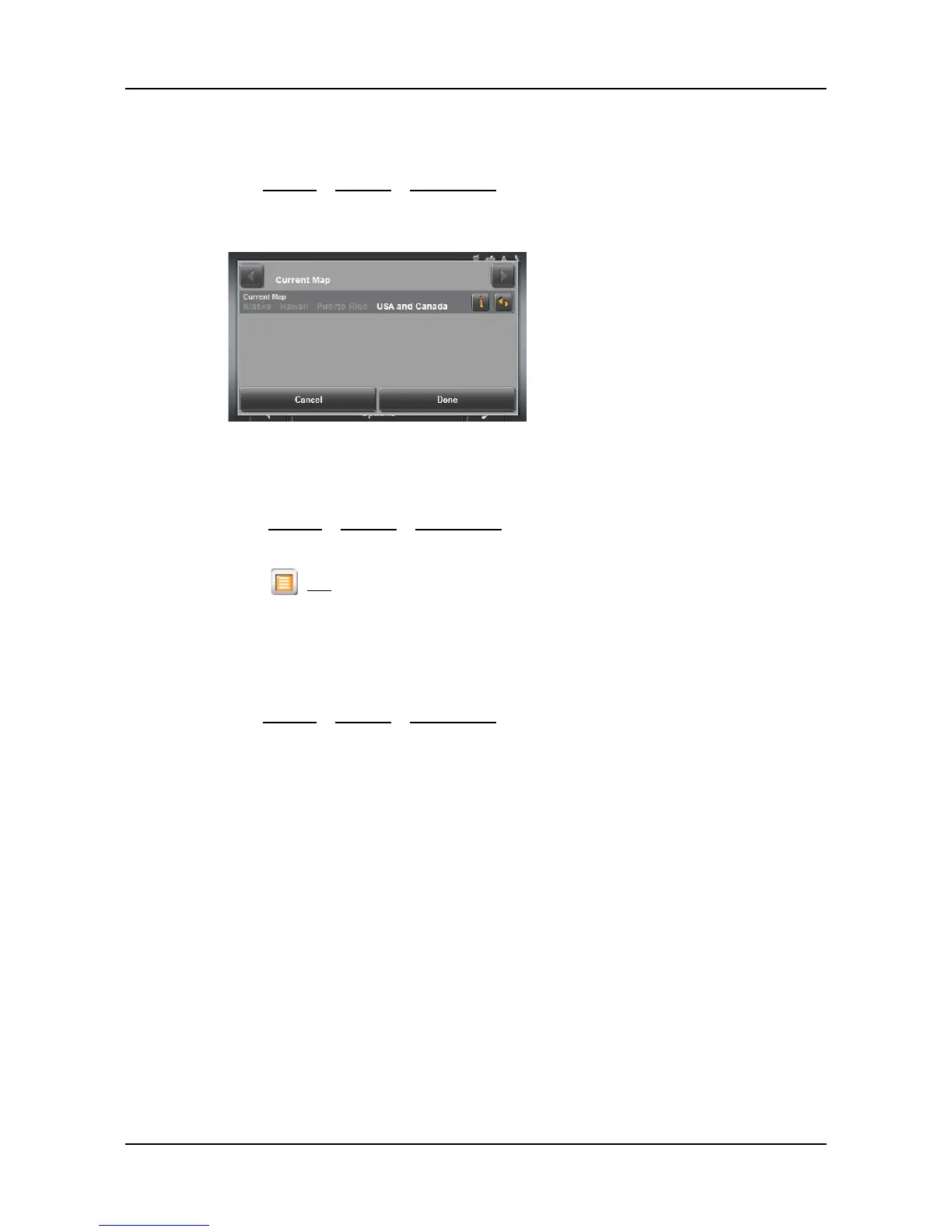
View information on the current map
On the MAIN WINDOW:
•Tap
Options > Settings > Current Map.
The
CURRENT MAP WINDOW opens.
Selecting a different map
On the MAIN WINDOW:
1. Tap
Options > Settings > Current Map.
The
CURRENT MAP WINDOW opens.
2. Tap (
List) and select a different map.
View Information About the Map Currently in Use
You can see information about the map currently in use or select another map.
On the
MAIN WINDOW:
•Tap
Options > Settings > Current Map.



 To Next Page