2008 SmartMirror User’s Guide 15
Revision 2.0 AZENTEK, LLC
Security
Password protection
By creating a password, you can protect your navigation system from unauthorized
use.
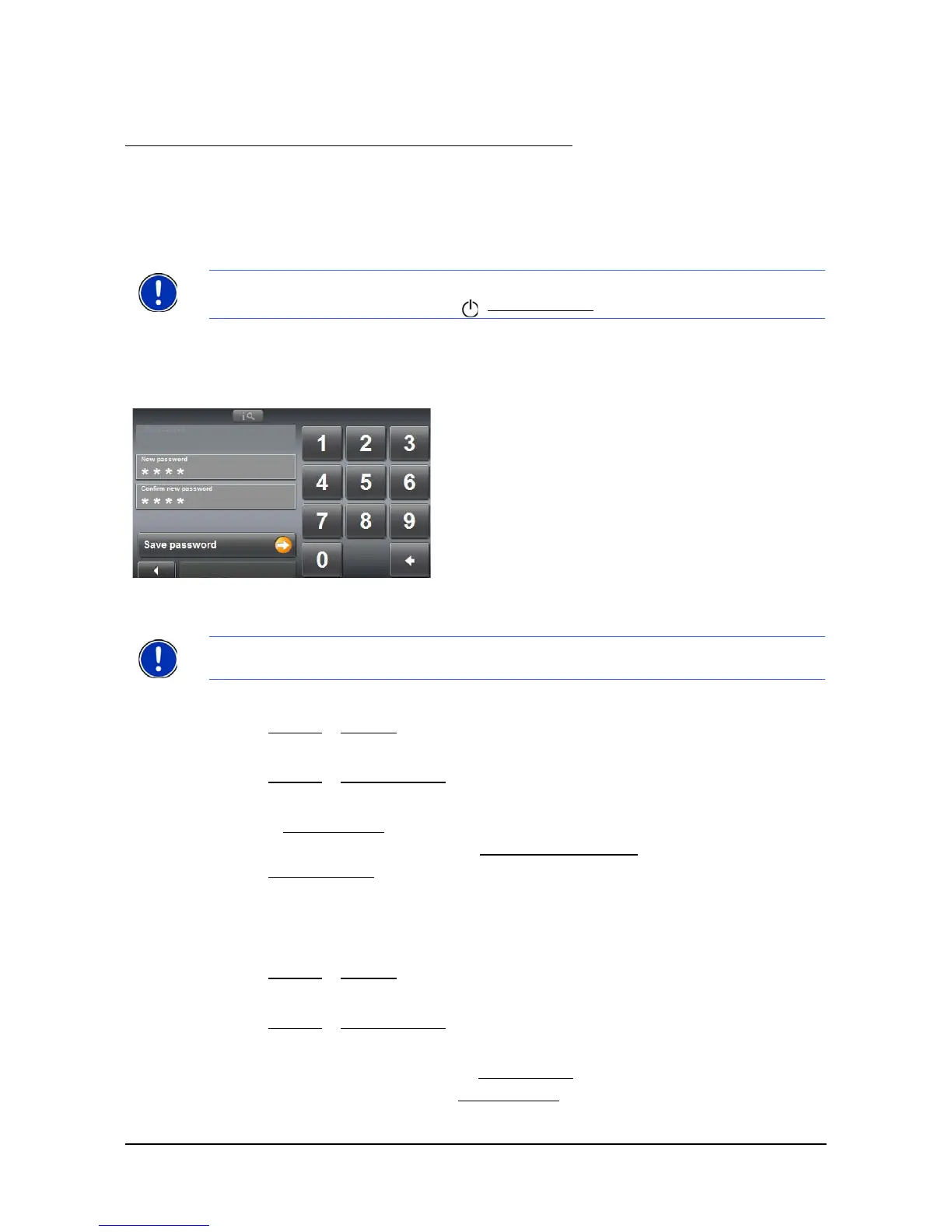
The Password Lock Window
Setting a password
In the MAIN WINDOW:
1. Tap Options > Settings
The SETTINGS WINDOW opens.
2. Tap
Options > Password Lock.
The P
ASSWORD LOCK WINDOW opens.
3. In the
New password field, type the password.
4. Re-type the new password in the
Confirm new password field.
5. Tap
Save password.
Changing a password
In the MAIN WINDOW:
1. Tap
Options > Settings
The SETTINGS WINDOW opens.
2. Tap
Options > Password Lock.
The P
ASSWORD LOCK WINDOW opens.
3. Type the current password in the
Old password field.
4. Type the new password in the
New password field.
Note:
Password protection takes effect after the navigation device has been switched
off completely. To do this, press the (On/Off/Standby
) switch for at least 6 seconds.
Note: The password must be exactly 4 digits.



 To Next Page