Selecting Destinations
Selecting a search area
18 SmartMirror User’s Guide 2008
AZENTEK, LLC Revision 2.0
Selecting a search area
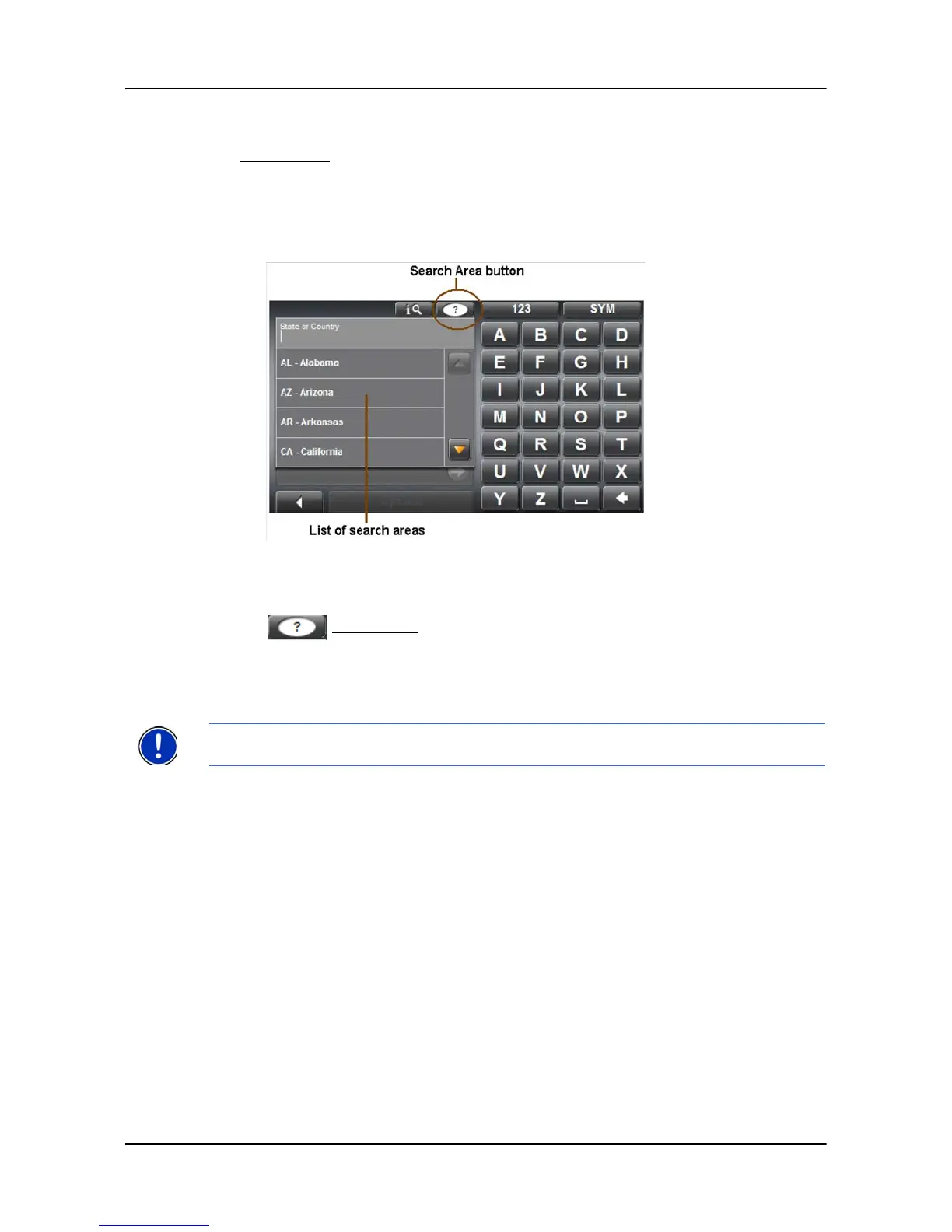
The Search Area button, used to select a map area, is located at the top of a location entry
window. Once an area is selected, a code on the button reflects the selection. For exam-
ple, is the United States is selected, “USA” appears on the button. If the Canadian prov-
ince of Alberta is selected, the code “AB” is shown.
When you enter a new destination for the first time, the
SEARCH AREA list opens. To select
an area that is different from the one currently shown, do the following:
1. Tap (Search Area).
The S
EARCH AREA list opens.
2. Tap on the area (country, state, or province) in which your destination lies.
The button displays the code for the selected destination area.
Note: Only areas that are represented in the currently loaded map can be selected.



 To Next Page