Selecting Destinations
Selecting a Point of Interest (POI) destination
22 SmartMirror User’s Guide 2008
AZENTEK, LLC Revision 2.0
Selecting a Point of Interest (POI) destination
POIs nearby
In the MAIN WINDOW:
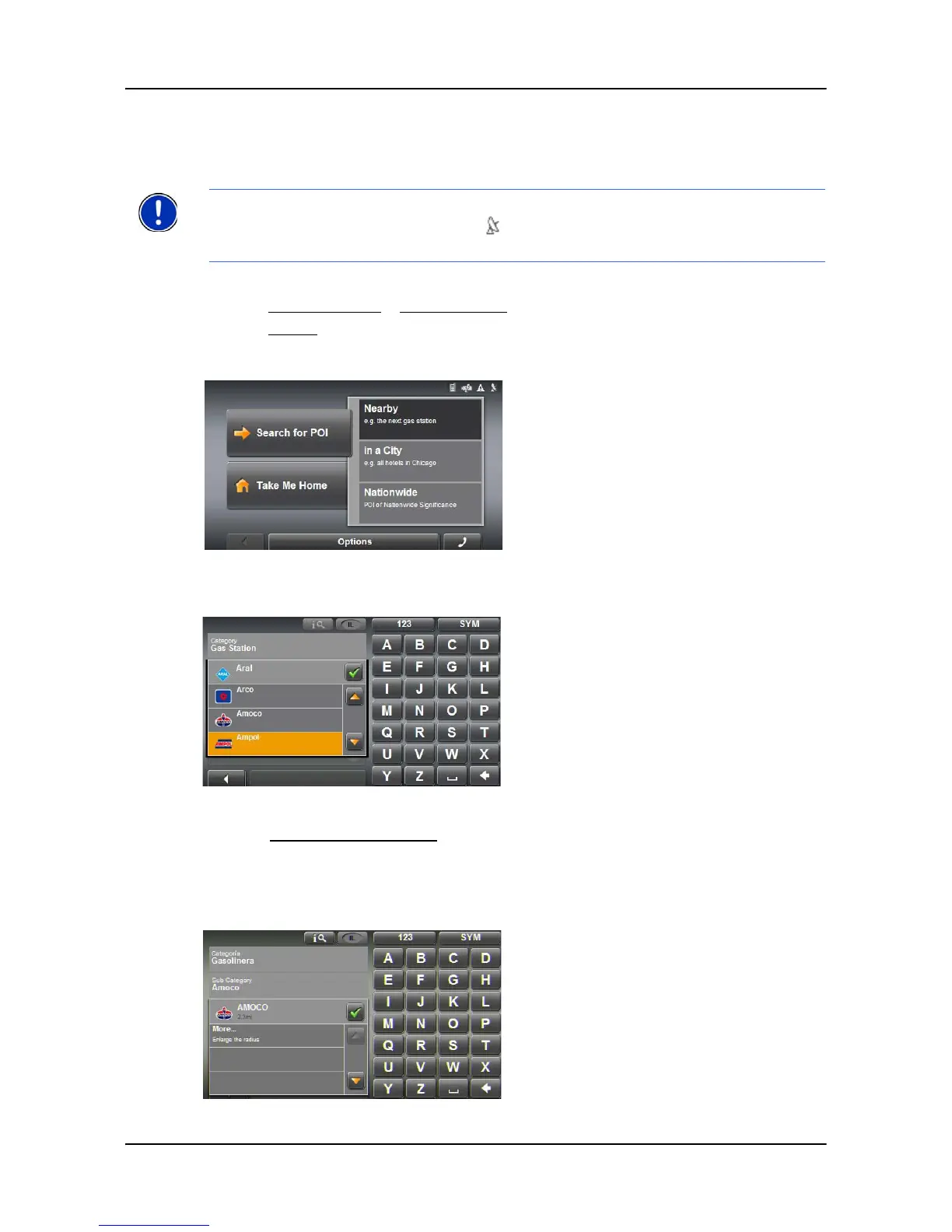
1. Tap New Destination > Search for POI.
2. Tap Nearby.
3. Specify a category from which you would like to select a POI.
4. If a sub-category exists, specify a sub-category.
The
Name of the Destination list opens. It contains the nearest POIs in the speci-
fied category, sorted by distance.
5. Tap on the name of the destination.
Note: GPS reception must be sufficient for determining position. You can see if GPS
reception is sufficient by looking at the (GPS Ready) symbol. For more information,
see “GPS ” on page 12.



 To Next Page