Selecting Destinations
Selecting a Point of Interest (POI) destination
26 SmartMirror User’s Guide 2008
AZENTEK, LLC Revision 2.0
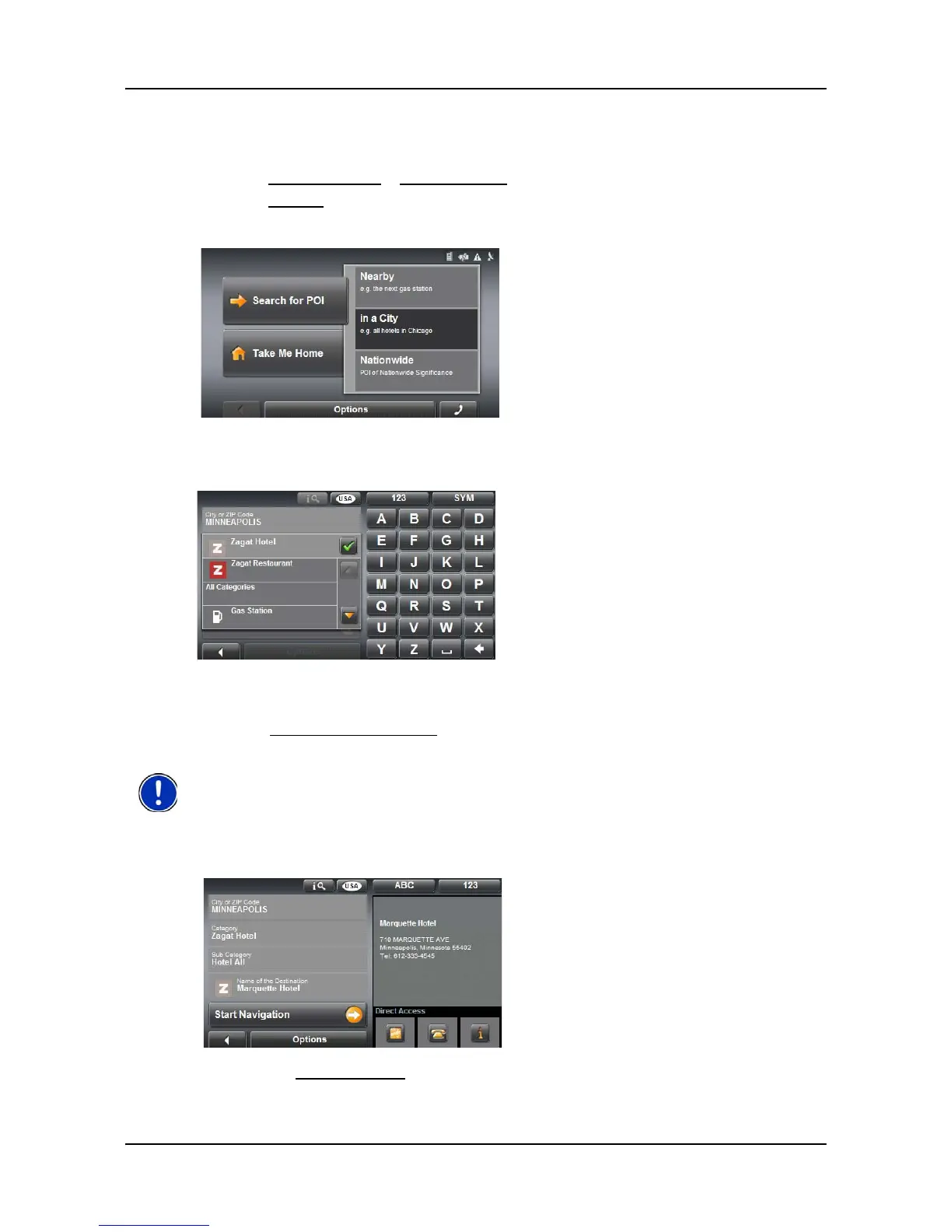
POIs in a specified city
On the MAIN WINDOW:
1. Tap New Destination > Search for POI.
2. Tap in a City.
3. Enter the name or the postal code of the destination location.
4. Specify a category from which you would like to select a POI.
5. If sub-categories exist for the category, specify a sub-category.
The Name of the Destination list opens. It contains POIs from the specified cate-
gory, sorted alphabetically.
6. Tap on the name of the destination.
7. Tap the
Start Navigation button.
Enter the first characters from the beginning of the POI name to shorten the returned list
of POIs.



 To Next Page