EasyManua.ls Logo

B. Braun Vista basic - Computer Interface

B. Braun Vista basic
55 pages
Print Icon
To Next Page IconTo Next Page
To Previous Page IconTo Previous Page
Loading...
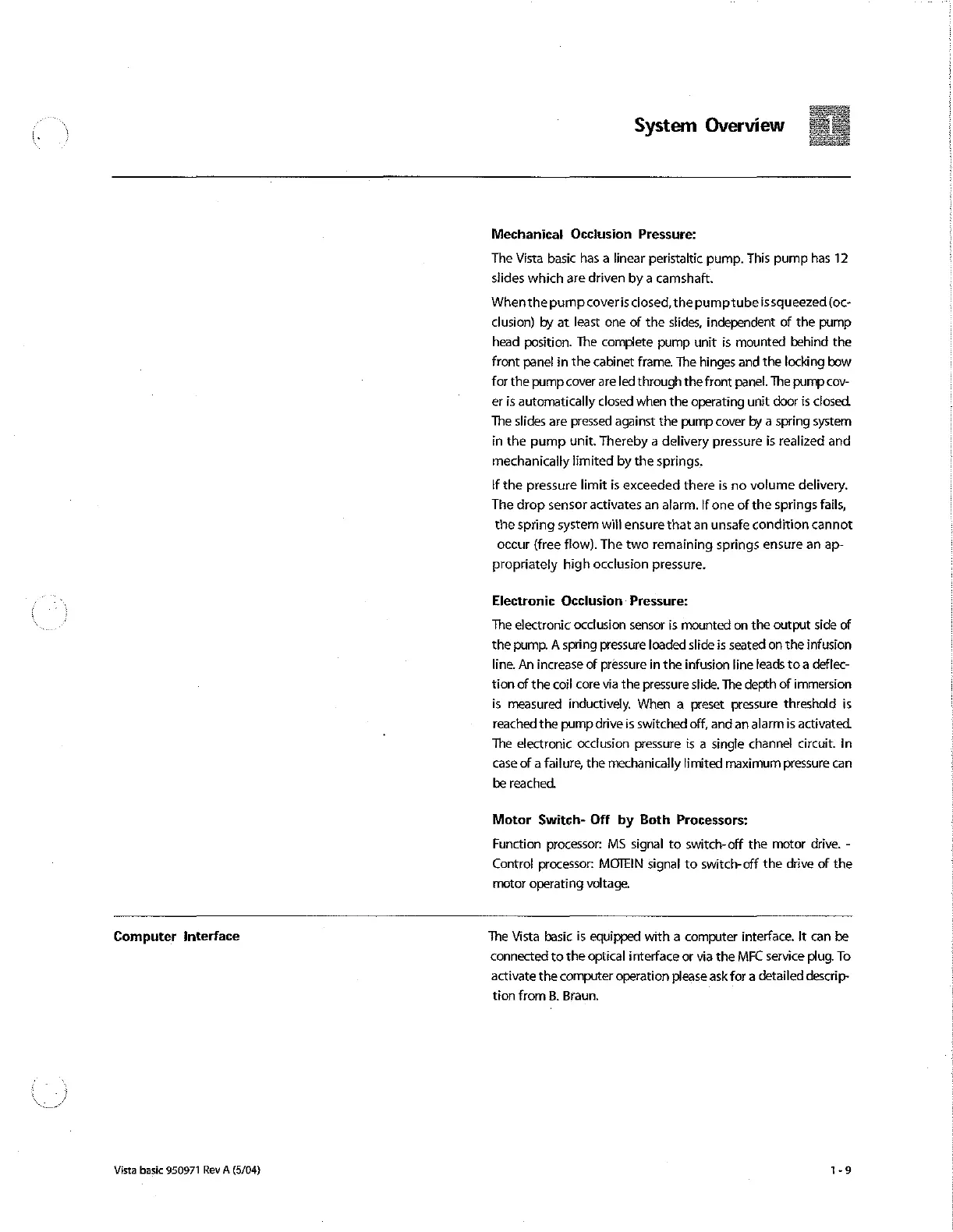
System
Overview
Mechanical
Occlusion
Pressure:
The
Vista
basic
has a
linear
peristaltic
pump.
This
pump
has
12
slides
which
are
driven
by
a
camshaft.
When
the pump
coveris
closed,
the
pump
tube
is
squeezed
(oc-
clusion)
by
at
least
one
of
the
slides,
independent
of
the
pump
head
position.
The
complete
pump
unit
is
mounted
behind
the
front
panel
in
the
cabinet
frame.
The hinges and
the
locking
bow
for
the
pump
cover
are
led
through
the
front
panel.
The
pump
cov-
er
is
automatically
closed
when
the
operating
unit
door
is
closed.
The
slides
are
pressed
against
the
pump
cover
by
a
spring
system
in
the
pump
unit.
Thereby
a
delivery
pressure
is
realized
and
mechanically
limited
by
the
springs.
If
the
pressure
limit
is
exceeded
there
is
no
volume
delivery.
The
drop
sensor
activates
an
alarm.
If
one
of
the
springs
fails,
the
spring
system
will
ensure
that
an
unsafe
condition
cannot
occur
(free
flow).
The two
remaining
springs
ensure
an ap-
propriately
high
occlusion
pressure.
Electronic
Occlusion:
Pressure:
The
electronic
occlusion
sensor
is
mounted
on
the
output
side
of
the
pump.
A
spring
pressure
loaded
slide
is
seated
on
the
infusion
line.
An increase
of
pressure
in
the
infusion
line
leads
to
a
deflec-
tion
of
the
coil
core
via
the
pressure
slide.
The
depth
of
immersion
is
measured
inductively.
When
a
preset
pressure
threshold
is
reached
the
pump
drive
is
switched
off,
and
an
alarmis
activated.
The
electronic
occlusion
pressure
is
a
single
channel
circuit.
In
case
of
a
failure,
the
mechanically
limited
maximum
pressure
can
be
reached.
Motor
Switch-
Off
by
Both
Processors:
Function
processor:
MS
signal
to
switch-off
the
motor
drive.
-
Control
processor:
MOTEIN
signal
to
switch-off
the
drive
of
the
motor
operating
voltage.
Computer
interface
Vista
basic
950971
Rev
A
(5/04)
The
Vista
basic
is
equipped
with
a
computer
interface.
It
can
be
connected
to
the
optical
interface
or
via
the
MFC
service
plug.
To
activate
the
computer
operation
please
ask
for
a
detailed
descrip-
tion
from
B.
Braun.

Other manuals for B. Braun Vista basic

Related product manuals