PCA
3 Manual
0024-9473 Rev 3 43
4. Use the ▲▼ buttons to highlight RESET FORMAT, then press ENT to
display the Reset Format screen.
5. Use the ▲▼ buttons to select YES, then press ENT to reset the display
and return to the Run/Hold Format screen.
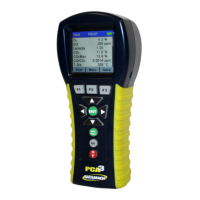
Figure 4-25. Resetting Display Formats Back to Factory Defaults


 To Next Page