‐
11
‐
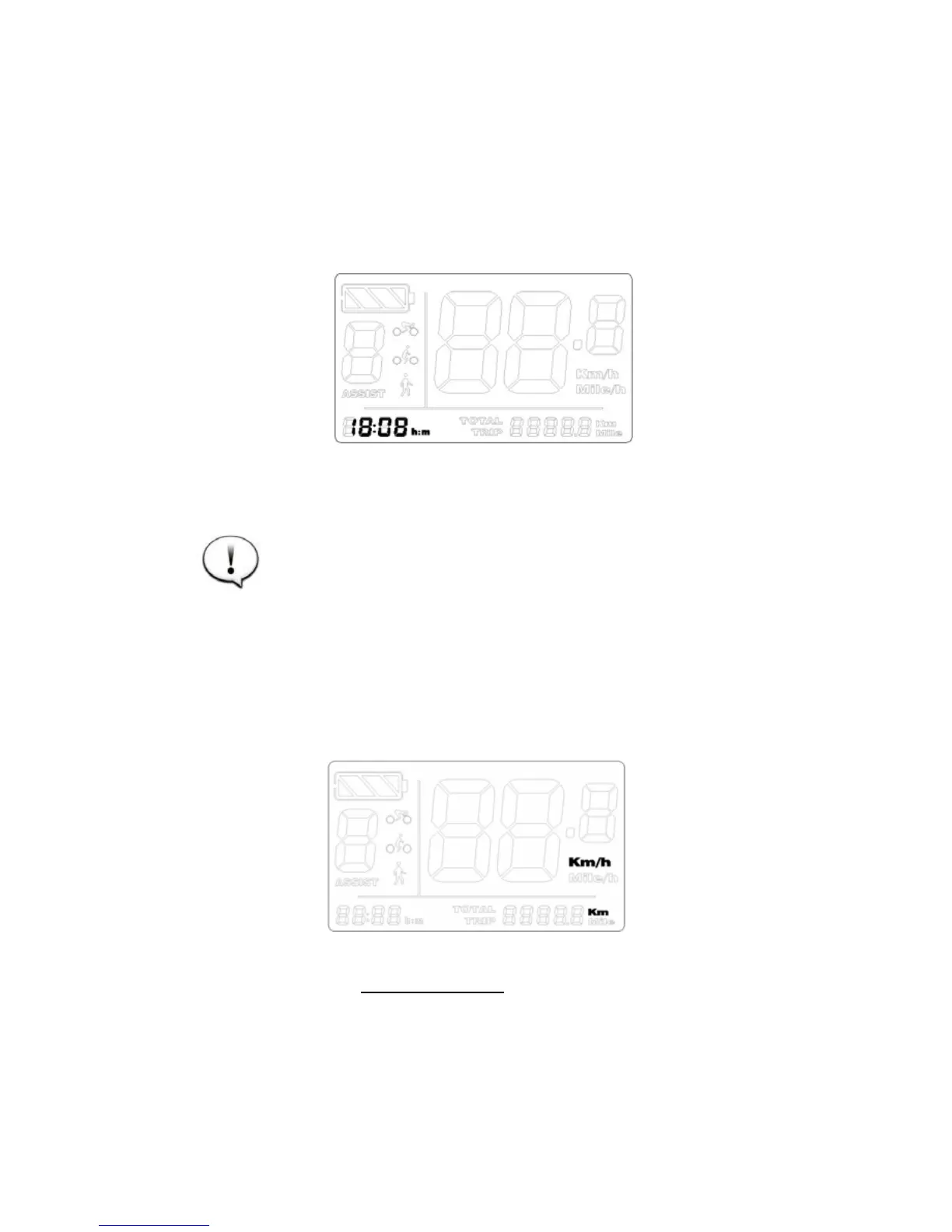
Time
Press
or
to change the hour, then press
to save & go
to the minute setting. Press
or
to change the minutes.
Press
to save & exit.
The settings go into effect after restart.
Advanced setting
Press and hold
to start the display. Press and hold both
and
to enter setting mode
Press
or
and do not release, meanwhile press
eight
times to go to the advanced setting menu.











 To Next Page