ou will
see the walking icon on the display and the motor will move
the bicycle or vehicle at 6km/h.
This function is designed for walking alongside
only. Please do not use this function when riding.
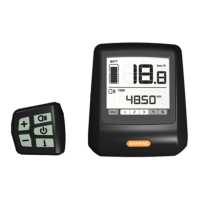
Backlight
Press and hold
to turn on the C961’s backlight screen. If a
front light is configured as well, this will switch it on as well if
front light available. Press and hold
again to switch it off.
Note: The automatic backlight is available only if the
controller (or built-in controller) offers this function.
If the controller has a light sensor inside of it, the back
light & front light will switch on automatically according
to the level of darkness. The automatic function is off
when the display is in manual mode.











 To Next Page