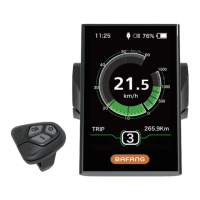
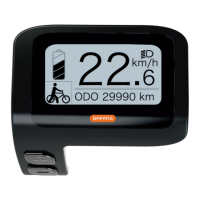
Cannot be changed!
Press or button to change the speed
limit between the range of 10km/h – 60
km/h. Default value is 25km/h.
Press button to save your preferred
selection and use the button to scroll to
the next setting.
Note: Check your local laws regarding
e-bike speeds. Setting the speed above the
legal limit is not advised.
Press and hold the power button to start
the display.
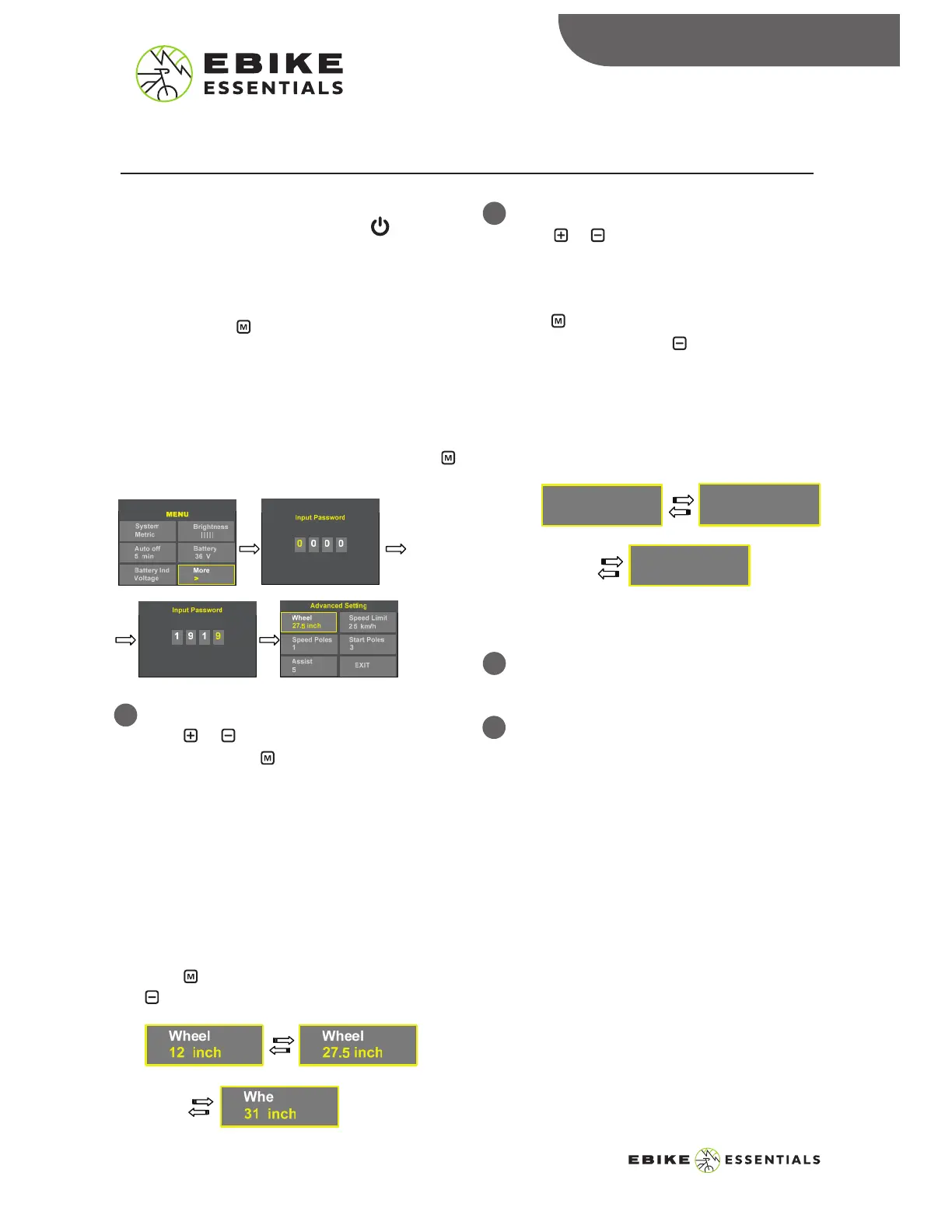
Press and hold button for a few seconds to
enter the settings menu. Select “More” on the
settings menu to enter advanced settings. You
will need to enter a password to access the
advanced settings menu.
Enter the password “1919”, then press the
button.
Preparation:
ADVANCED SETTINGS
ADVANCED SETTINGS
To Enter Advanced Settings:
1
Wheel Size:
Press or button to change the wheel
size, then press button to save your
selection.
Make sure to select the correct wheel size
for accurate speed and TRIP info.
Available Wheel Sizes are: 12
”, 14”, 16”,
18
”, 20”, 22”, 24”, 26”, 27”, 27.5”, 28”,
29
”, 30”, 31”.
Press button to save your selection and
button to scroll to the next setting.
2
Speed Limit:
8
500C MANUAL © Copyright Ebike Essentials. All Rights Reserved.
www.Bafangusadirect.com
Cannot be changed!
3
Speed Poles:
4
Start Poles:
Speed Limit
10 km/h
Speed Limit
60 km/h
Speed Limit
25 km/h


 To Next Page