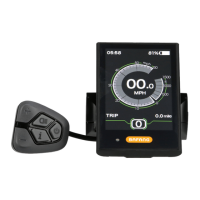
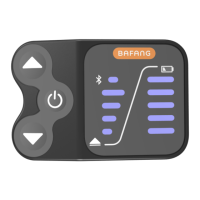
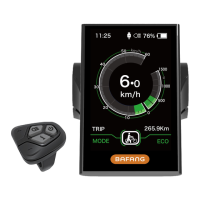
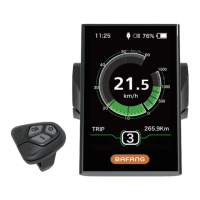
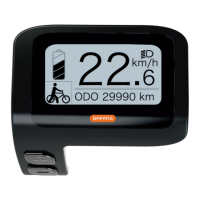
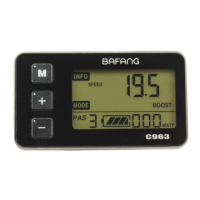
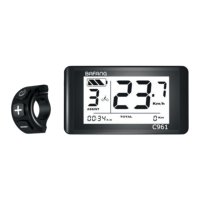
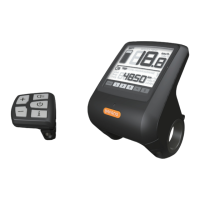
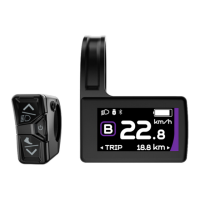
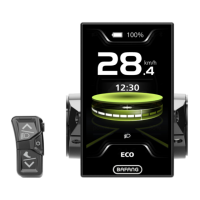
Press and hold button for few seconds to
enter the settings menu. Press the or
buttons to change the selected menu, then
press button again to save your preferred
selection and proceed to the next setting by
pressing the button.
Press and hold button again to exit
settings menu. The display will automatically
exit settings menu after 30 seconds of
inactivity.
For safety reasons, display can’t enter
settings menu when riding. It will also exit
settings menu when riding.
DISPLAY SETTINGS
Preparation:
Make sure the display is turned ON.
To Enter Settings:
1
Speed Unit:
The speed unit can either be displayed in
Metric (Km/h) or Imperial (Mile/h). Press
or button to switch between Metric and
Imperial, then press button to save your
selection and button to scroll to the next
setting.
4
Battery:
This does not need to be changed and will
not affect the performance of the display.
2
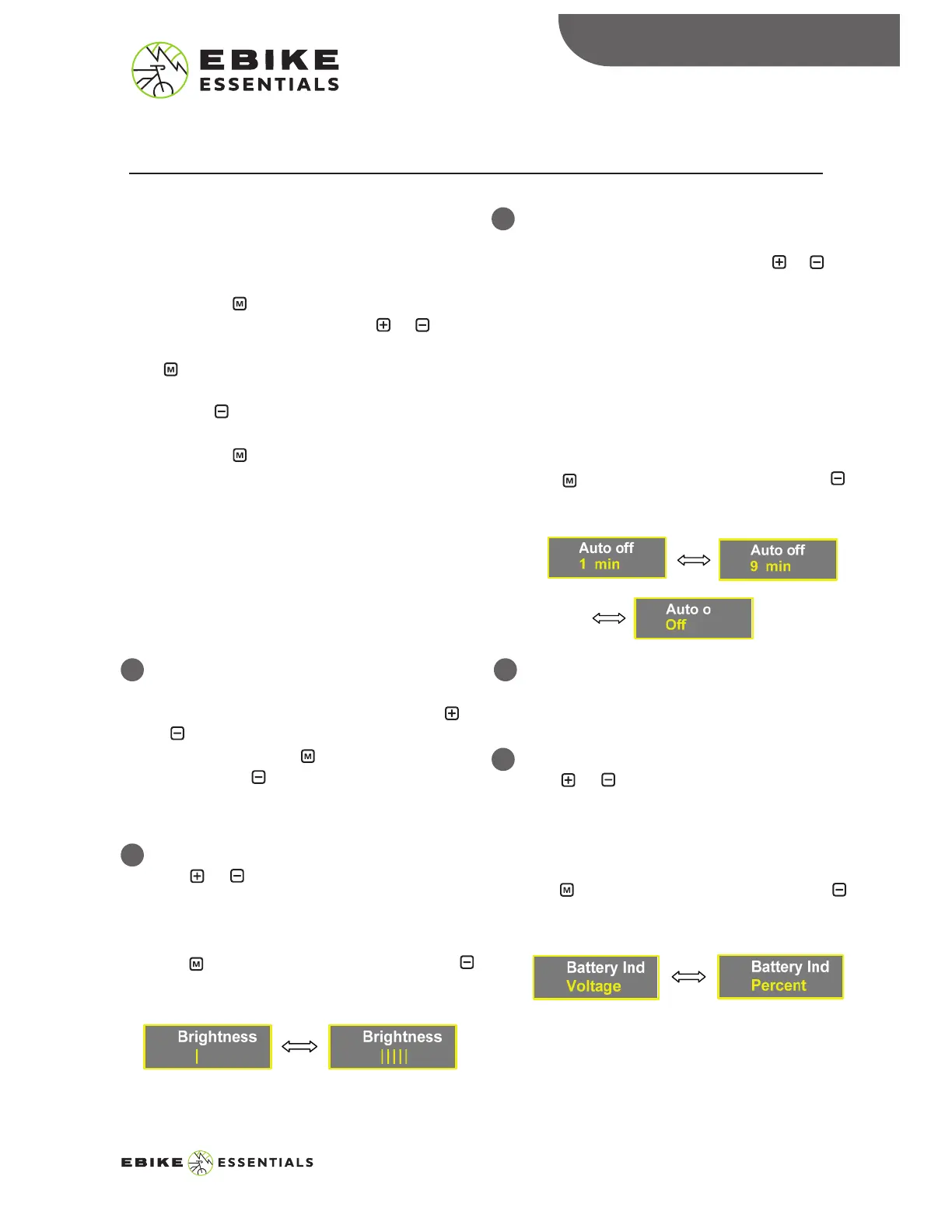
Brightness:
Press or button to increase or decrease
the brightness level. The higher the number
of bars, the brighter the backlight.
Press button to save your selection and
button to scroll to the next setting.
3
Auto Off:
This is the amount of time of inactivity
before the system turns off. Press or
button to change the time between the
range of 1 – 9 minutes, or OFF to disable
Auto Off settings.
Display will sleep and switch off after no
operation on system for the selected time.
The default value is 5 minutes.
Press button to save your selection and
button to scroll to the next setting.
5
Battery Indicator:
Press or button to change the battery
indicator between Voltage and Percentage.
Voltage is recommended because it gives a
more accurate battery gauge.
Press button to save your selection and
button to scroll to the next setting.
DISPLAY SETTINGS
7
500C MANUAL© Copyright Ebike Essentials. All Rights Reserved.
www.Bafangusadirect.com


 To Next Page