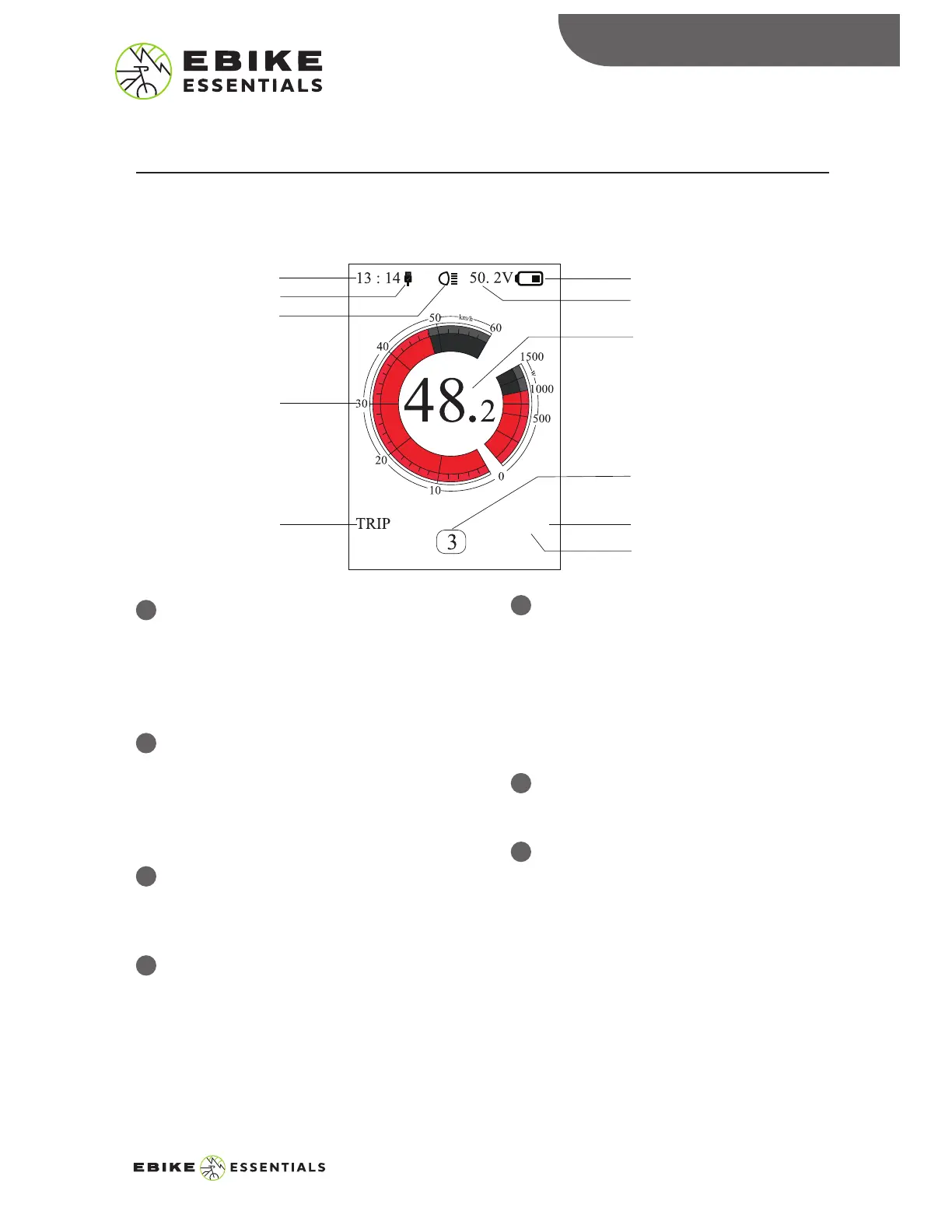
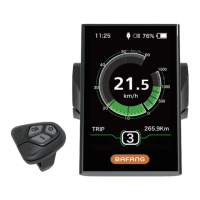
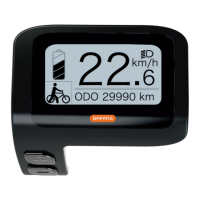
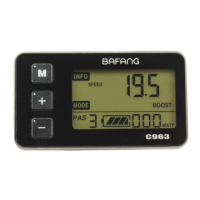
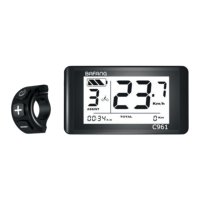
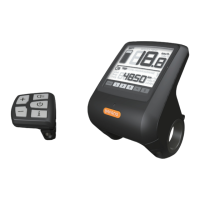
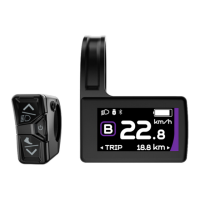
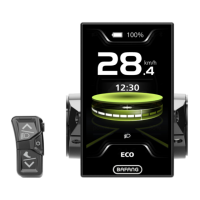
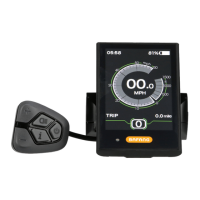
Selected Mode Display:
This displays the current mode selected
for use on the device. The display
options include single-trip distance
(TRIP), total distance (ODO), maximum
speed (MAX), average speed (AVG), and
time (TIME).
Battery Level Display:
This shows the current battery level
Voltage Display/Percentage Display:
This shows the actual battery level value
in percentage or voltage. You can set
this display option in the “SOC View” of
the display settings menu.
5
6
7
INTERFACE
1
2
3
4
Clock Display:
This displays the current time in the
24-hour time display system. Go to the
“Set Clock” option in the display
setting to set or change the time.
USB Display:
The device will display the USB
connector symbol on the screen when
an external device is connected to the
display.
Backlight/Headlight Indicator:
It will display the headlight indicator
when the backlight/headlight is on.
Speed Scale Display:
The speed scale display was designed
to show both speed as well as motor
power information.
INTERFACE
Clock Display
Battery Level Display
Voltage Display/
Percentage Display
Speed Digital Display
Pedal Assist Level
Display/Walk Assist
Distance
Unit
USB Display
Headlight Indicator
Speed Scale Display
Selected Mode
Display
5
DPC18 MANUAL© Copyright Ebike Essentials. All Rights Reserved.
www.Bafangusadirect.com
MPH
44.4 mile


 To Next Page