3-44
3
Leisure Home Equipment
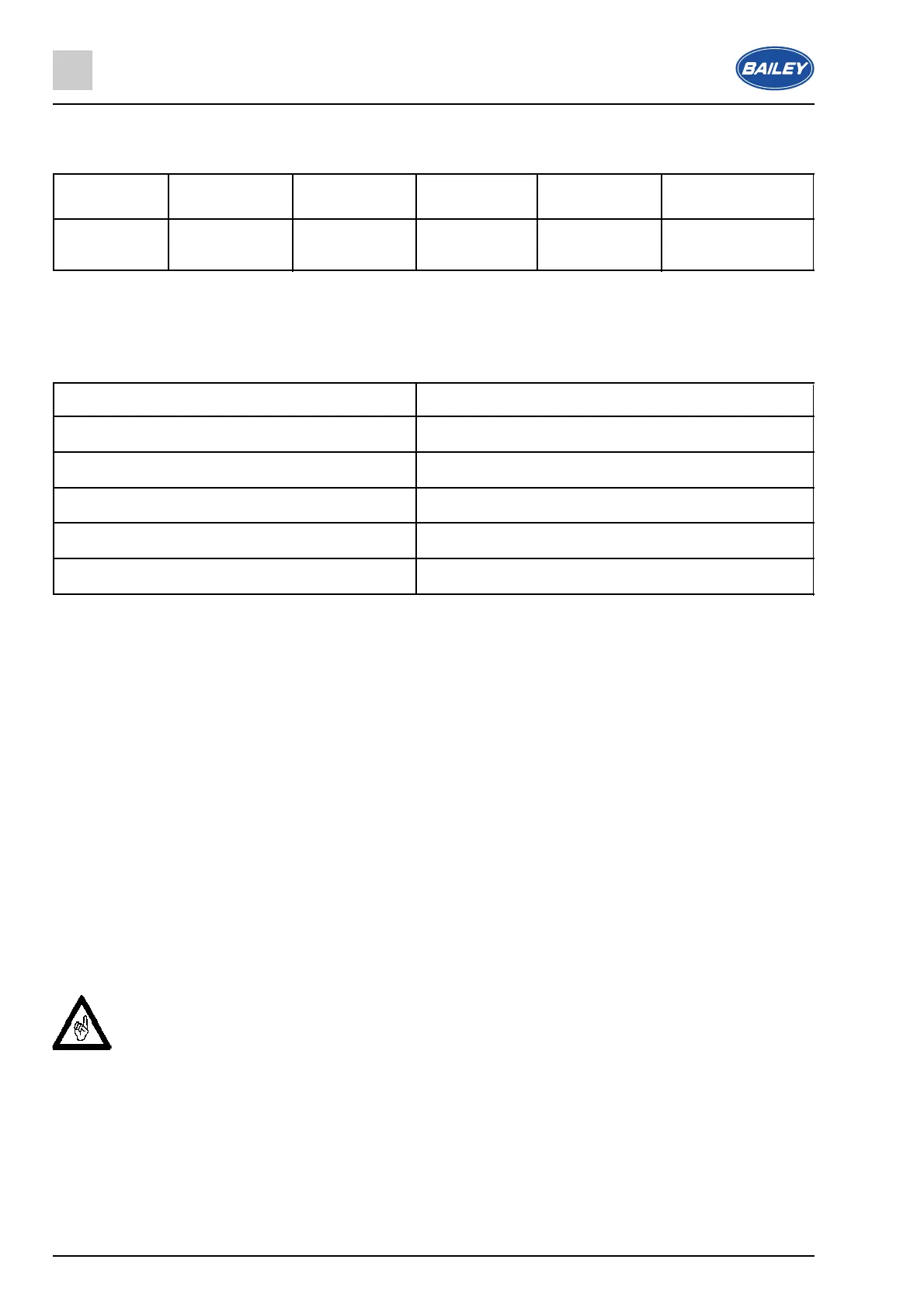
3.12.12 Microwave power level chart
Power High Medium Medium Medium Low
high low
Display P100 P80 P50 P30 P10
shows
3.12.13 Time setting chart
When you are setting a cooking time, the clock will count in the following time intervals.
Time period being set Time intervals
0 - 1 minute 5 seconds
1 - 5 minutes 10 seconds
5 - 10 minutes 30 seconds
10 - 30 minutes 1 minute
30 - 95 minutes 5 minutes
3.12.14 Interrupting a cooking cycle
● If you wish to temporarily interrupt a cooking cycle when it is in progress (for example to stir what
you are heating), you should press the door button (F).
● The door of the microwave will open and it will stop heating immediately.
● To restart the cooking cycle, close the microwave door and then press the Quick Start/Start button
(C).
3.12.15 Cancelling a cooking cycle
● If you wish to cancel a cooking cycle when it is in progress, you should press the Cancel/Stop
button (E).
● The microwave will stop heating immediately, give an audible signal and the LED display (A) will
return to showing the time of day.
● Use the door button (F) to open the door of the microwave.
▲ IMPORTANT: The inside of the microwave and the food that you have been cooking may
be extremely hot. So care should be taken when removing items from the microwave.
● After the food has been removed from the microwave, you should make sure that the door is
closed.



 To Next Page